
table of content
- In-House vs Outsourced Mobile App Development: The Role of AI
- What Is In-House and Outsourced Mobile App Development?
- How an In-House Mobile App Team Leverages AI
- How AI Works in an Outsourced Mobile App Team
- Speed and Timeline: Who Takes AI Further?
- Cost: What AI Changes and What It Doesn’t
- AI for Code Review, Testing, and Quality
- Ownership of Security, Data, and Code When Using AI Tools
- The Hybrid Model: Outsourced Build, In-House Ownership
- How to Decide: A Practical Checklist
- Conclusion
- FAQs


In-House vs Outsourced Mobile App Development: How AI Makes the Difference
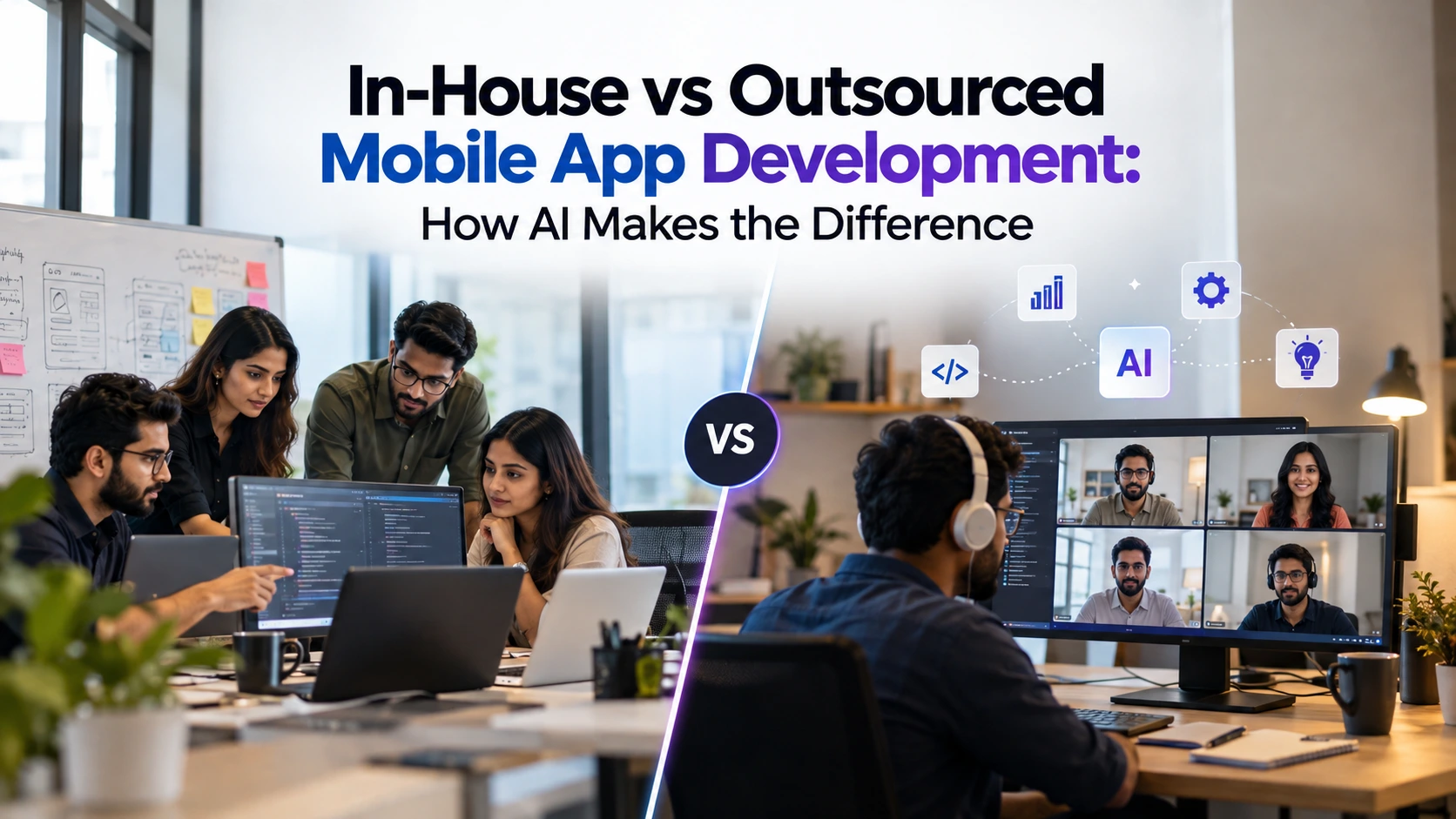
In-House vs Outsourced Mobile App Development: The Role of AI
Most essays on this subject end at the same three points. In-house means control, outsourcing means speed and flexibility, and a hybrid model sits somewhere in the middle. But AI coding assistants, AI-assisted testing, and AI-based planning increasingly affect the way mobile apps are produced, and the two models approach them differently.
With an in-house team, you build your own AI tools, rules, and workflows from the ground up. An outsourced team may bring workflows developed across other projects. Or it may not. This influences timelines, costs, review quality, and risk.
If you are comparing a mobile app development company with building your own team, this guide contrasts the two models across those criteria, with US businesses in mind.
What Is In-House and Outsourced Mobile App Development?
In-House Development
In-house development means having developers, designers, QA engineers, and a product owner on your payroll. They work on your products and priorities, and you decide what they focus on each day.
Outsourced Development
Outsourced development means an external company builds an app for your business. You define what you need, establish the goals, and approve the work. The vendor provides the people and processes. The arrangement might be a fixed-scope project, a monthly engagement, or a dedicated team.
Where AI Fits In
Artificial intelligence can now assist with feature lists, starter code, test cases, review comments, and documentation. Both models can use these capabilities. The difference is who builds the tools, who is trained to use them, and who validates the results.
How an In-House Mobile App Team Leverages AI
You Have the Tools and the Setup
With an in-house team, you are responsible for setting up AI workflows. You choose the coding assistants, pay for licenses, decide what code can be entered into them, and define the rules for their use. In a small team, this responsibility often falls to the lead developer on top of their regular work.
Tools matter, but the habits around them matter just as much. A team that agrees on when to use AI in mobile app development, when not to use it, and how to review its output can get more value from the same tool than a team where every developer works independently.
Skills and Training
Not all developers are equally skilled at using AI. A senior engineer might review generated code with caution, while a less experienced developer might accept it simply because it compiles. With an in-house team, you are responsible for closing that skills gap, and the time spent training people adds to your overall costs.
Where In-House AI Usage Is Most Powerful
The main advantage is context. Your team knows your codebase, historical decisions, and business rules. That knowledge helps them provide better context to AI tools and generate output that fits your product. Over time, the team can develop prompts, patterns, and reusable context tailored to your business.
How AI Works in an Outsourced Mobile App Team
Workflows That May Already Be in Place
A company that builds apps for multiple clients may have already tested several AI tools, selected suitable options, and documented how they are used and where the generated code tends to fail on iOS and Android.
If those workflows are already in place, you may not need to pay for the same learning process from scratch. However, you should verify the vendor’s actual practices rather than assume they have mature AI workflows.
The Build: Questions to Ask an AI Vendor
Do not settle for “Yes, we use AI.” Ask these questions instead:
- Which AI tools do you use, and at what stages of the project?
- Who reviews AI-assisted code before it is merged, and how is that review documented?
- Does the project estimate or timeline account for any efficiency gains from AI?
- Can you share examples of previous projects involving AI features or AI-assisted delivery?
The security section below covers additional questions about code ownership and contracts. For a more comprehensive checklist, see our advice on how to choose a mobile app development company.
The Pitfalls of Using AI in Outsourced Development
The risks differ from those of in-house development. A vendor might use AI to reduce effort without passing the savings on to you, or it might fail to review the output adequately. You may not see the app until a demo, which could be too late to identify weaknesses in the generated code.
An external team may also know less about your business, leading to generic AI output that misses important requirements. Regular builds, a clear review process, and a written project brief can help reduce these risks.
Speed and Timeline: Who Takes AI Further?
Getting Up and Running
AI does not eliminate the hiring process. Building an in-house team still involves job postings, interviews, offers, and onboarding before development can begin. Once the team is in place, it can apply its chosen AI tools.
An external team may be able to start sooner, depending on availability, and use AI during discovery from the beginning.
Planning and Early Builds
Both approaches can use AI to turn a brief into user stories, preliminary screens, and first-pass code. The quality of the output depends heavily on the quality of the brief. That is why it helps to plan a mobile app carefully before development begins.
AI can generate the wrong feature quickly and make it look polished. In either model, a person must verify that the proposed build meets the business requirements.
Cost: What AI Changes and What It Doesn’t
In-House Costs
A developer’s salary is only part of the cost of an in-house team. The US Bureau of Labor Statistics reported a median annual wage of $135,980 for software developers in May 2025. This is a national median for the occupation, not a figure specifically for mobile developers or a particular city. It also excludes recruiting, benefits, equipment, and management time.
Software quality assurance is a separate role. The BLS reported a median annual wage of $104,300 for software quality assurance analysts and testers.
Some teams assume AI means they can hire fewer developers. That may be possible for a particular project, but it is worth testing the approach on an actual build before reducing headcount in the budget.
Outsourcing Costs
When you outsource, you usually pay a project price or monthly rate, and the vendor’s AI tool costs may already be included. Check what the quote covers, including design, QA, project management, and post-launch support. Also clarify how changes in scope are estimated, charged, and approved.
A Fair Comparison
This guide does not assume that one location or vendor type automatically offers savings. Use the table below to compare both options against the same scope and the period for which you expect to retain the team.
| Cost Area | What to Watch For |
| Recruiting and ramp-up | In-house: hiring time and costs. Outsourced: start date and any discovery fees. |
| People and overheads | In-house: compensation, benefits, equipment, and management time. Outsourced: what is included in the rate. |
| AI tools and training | In-house: licenses and training costs. Outsourced: whether tool expenses are included in the rate. |
| QA and testing | Who tests the app, which devices and OS versions are covered, and whether testing is included as a separate cost. |
| Maintenance | Who fixes bugs, handles OS updates after launch, and pays for ongoing support. |
| Changes in scope | How changes are estimated, billed, and approved. |
AI for Code Review, Testing, and Quality
AI Output Still Needs Human Review
Developers increasingly use AI, but many do not fully trust its output. Stack Overflow’s 2025 developer survey found that 84% of respondents were using or planned to use AI tools. The same survey found that 46% distrusted the accuracy of AI output, compared with 33% who trusted it.
AI does not eliminate the need for review. It can reduce some coding effort, but teams still need to verify the output, test integrations, fix defects, and maintain the code.
Testing in Each Model: An Example of a Payment Feature
Consider a hypothetical team introducing in-app card payments through a third-party payment provider. This is an illustration, not a client case.
An AI assistant can help draft the integration code, but the result still needs technical review and testing. If a payment request times out, the client may not know whether the payment succeeded. Retrying without appropriate safeguards can risk duplicate processing. Depending on the payment provider and backend design, idempotency keys or server-side duplicate checks can help prevent this.
A reviewer should also check declined cards, expired sessions, dropped connections, and what the user sees after each failure.
In-house approach: A developer uses an AI assistant with the relevant code and payment rules. A colleague reviews the changes, and QA tests them against the business’s actual refund and receipt requirements. One risk is shared blind spots when the same small group writes, reviews, and tests the code.
Outsourced approach: A vendor’s developer writes the integration, the vendor’s technical lead reviews it, and the vendor’s QA team tests it. Your product owner then checks the business rules in the payment provider’s test environment and carries out acceptance testing. The main risk is missing context. Unless your requirements are documented, the vendor may not know your return policy, tax handling, or receipt requirements.
Set a Review Gate
Before development starts, define acceptance criteria for each feature:
- What behaviour is expected?
- What error states must be handled?
- Which devices and OS versions need testing?
For an in-house team, the lead developer should approve the implementation. With a vendor, the vendor’s technical lead should sign off, while your product owner verifies that the build meets the agreed criteria.
Ownership of Security, Data, and Code When Using AI Tools
In-House Security
Direct control is useful only when you apply it. An AI policy should cover:
- Approved tools: Name the permitted tools and, where possible, use business accounts with administrative controls.
- Prompt data: Include API keys, credentials, customer personal data, or confidential code only when the tool’s terms and your policy explicitly allow it.
- Retention and training: Check how long each tool retains inputs and whether those inputs may be used to train models.
- Code review: Require a person to examine AI-generated changes before merging, especially changes involving login, payments, and data storage.
Security When Outsourcing
Your code and data may pass through the vendor’s tools, so the contract needs to address how they are handled. Before signing, review the following points and have your lawyer review the final terms:
- Code and asset ownership: Clarify ownership of all code and assets, including AI-assisted work. The legal treatment of AI-generated output can be complex, so consult legal counsel.
- AI tools: Require the vendor to disclose the tools it uses and notify you before adding new ones.
- Third-party AI services: Specify whether your code or data can be shared with third-party services and under what conditions.
- Data handling: Define retention, deletion at the end of the project, access to repositories and test data, and whether subcontractors are disclosed and bound by the same terms.
- Review records: Confirm that code review records and pull request histories are maintained.
- Incident notification: Require the vendor to notify you if your code or data is compromised.
- Governing law and working hours: Specify the governing law and agree on working-hour overlap where needed.
If your app handles regulated data, such as health information under HIPAA or payment card data under PCI DSS, consult legal counsel about your obligations before choosing a model. Ask vendors how their AI workflows fit within those requirements.
The Hybrid Model: Outsourced Build, In-House Ownership
Many businesses use a hybrid approach. An external team builds the software while the internal team retains ownership of the product and its priorities.
Where AI Fits In
Your team can use AI to define mobile app features and convert them into written specifications. The vendor can then build against those specifications using its own AI workflow, while your team verifies the results.
Who Does What?
The arrangement works only when responsibilities are documented before the project begins. If you may bring development in-house later, request documentation and a handover plan from the start, not during the final week.
| Responsibility | Who Does It? |
| Needs and priorities | The internal product owner defines and prioritise requirements. The outsourced team checks whether they are feasible to build. |
| Implementation | The outsourced team implements the solution using its approved AI tools. |
| Code review | The outsourced technical lead reviews each update. An internal engineer or adviser spot-checks critical areas such as payments and login. |
| Acceptance testing | The internal team tests each build against written acceptance criteria. |
| Documentation | The outsourced team maintains the documentation, and the internal owner verifies that it is usable. |
| Handover | Source code, build instructions, and documentation are supplied according to an agreed schedule. |
| Long-term maintenance | Agree in advance whether the vendor, your team, or both will handle ongoing maintenance. |
How to Decide: A Practical Checklist
Make sure the idea itself is viable before choosing a development model. Before spending money on either approach, validate a mobile app idea if you have not yet confirmed real demand.
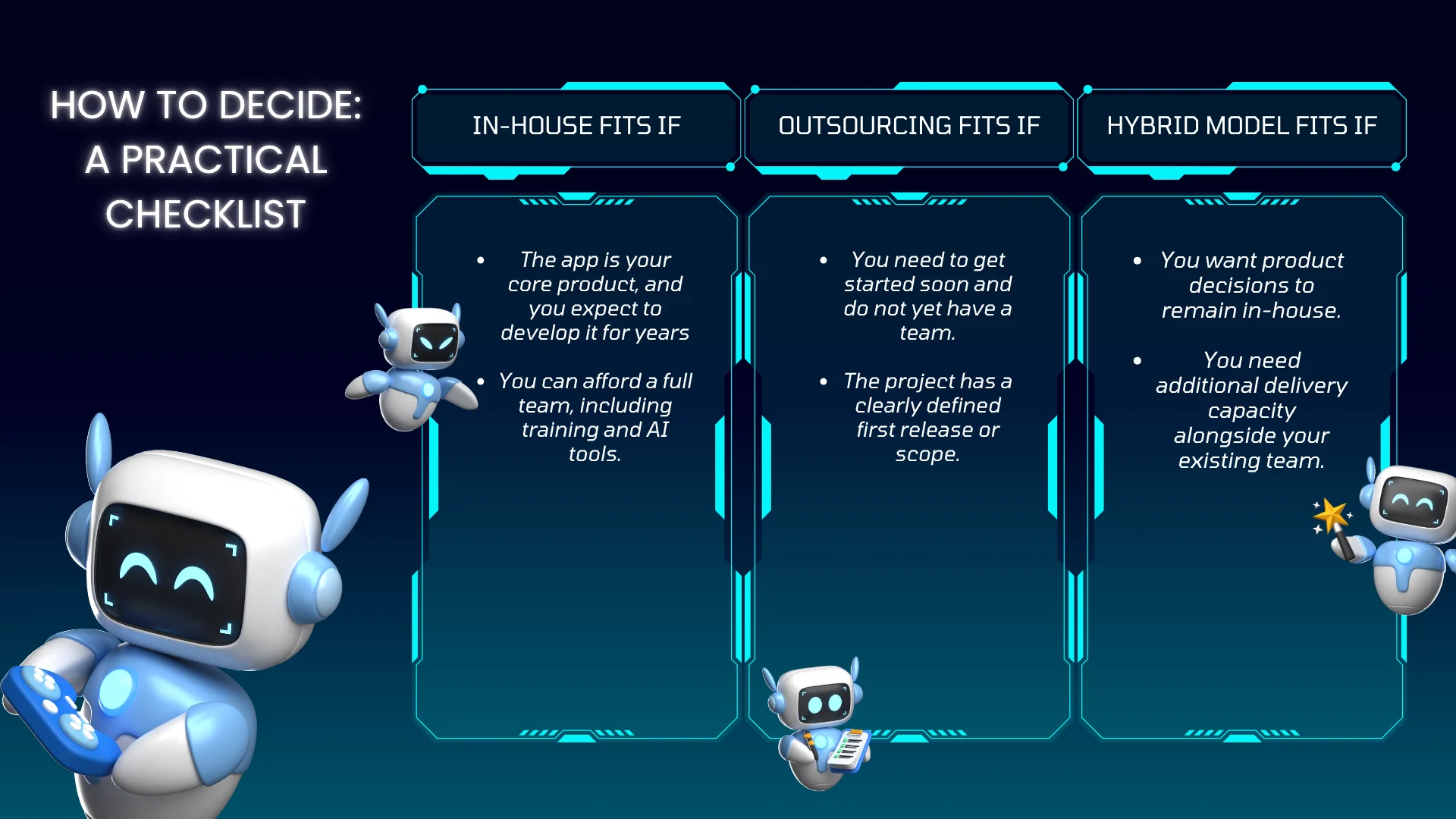
In-House Fits If
- The app is your core product, and you expect to develop it for years.
- You can afford a full team, including training and AI tools.
Outsourcing Fits If
- You need to get started soon and do not yet have a team.
- The project has a clearly defined first release or scope.
A Hybrid Model Fits If
- You want product decisions to remain in-house.
- You need additional delivery capacity alongside your existing team.
Sibot is an AI-powered virtual companion software that uses natural language processing and machine learning to support conversations. If AI is a core part of your product, ask any team you are considering, whether in-house or outsourced, to demonstrate previous work involving similar features.
Conclusion
Cost and control still matter, but a more practical question is how well each model can design, review, and maintain your app when AI is part of the workflow. Four questions can guide your decision:
- Is the app vital to your business, and will it require engineering work for years? If so, give serious consideration to an in-house or hybrid model.
- Can you recruit and retain senior mobile developers to review AI-assisted code within your timeframe? If not, outsourcing or a hybrid approach may help fill the gap.
- Is the scope clear enough to define acceptance criteria and obtain a well-bounded quote? If so, outsourcing may be a good fit. If requirements are likely to change frequently, plan for those changes in the contract or retain more work in-house.
- Will the app process sensitive or regulated data? If yes, finalise data-handling, tool-approval, and ownership terms with legal counsel before selecting a model.
A hybrid arrangement may be a useful starting point when your answers point in different directions. Identify the owners of requirements, review, testing, and handover to create a solid basis for evaluating real proposals.
If you want to discuss your app requirements, contact the CodeStore team to explore the right mobile app development approach for your business.