
table of content
- Top 10 Mobile App Development Mistakes (and How AI Helps)
- Pre-Development Mistakes Cost the Most
- 10 Mobile App Development Mistakes Businesses Make Before Building
- Business Errors and Technical Errors: Where Artificial Intelligence Can Assist the Most
- A Simple Pre-Development Routine You Can Use With AI
- Where AI Falls Short Before Development
- Conclusion
- FAQs


Mobile App Development Mistakes: How AI Helps You Avoid Them
Top 10 Mobile App Development Mistakes (and How AI Helps)
Most mobile app development mistakes don’t happen in the code. They happen in a meeting months earlier, when someone says “we’ll figure that out later” and everyone says “yeah” and nods. The list of features is vague, the budget is a guess, and no one has talked to a real user yet. Then the bill arrives in the form of rework, missed deadlines, and an app that people open once and forget.
The good news is that most of these mistakes can be caught before a developer has written a single line of code. When you engage a mobile app development company, this is the stage where you have the most control. It’s also where AI is genuinely useful right now. It won’t decide for you, but it makes a great, patient second pair of eyes. It can read hundreds of reviews, ask you questions about your requirements, and stress-test your plan in minutes.
This guide walks you through ten mistakes businesses make before development begins. For each one, you’ll see what it looks like, how artificial intelligence can help you catch it, and the part that requires a human decision.
Pre-Development Mistakes Cost the Most
Suppose you want to build a house. It takes an afternoon to move a wall on paper. It takes weeks and a lot of money to move it once the concrete is poured. Apps work the same way. A wrong assumption about your users, what the app should do, or how much it should cost gets baked into everything that follows: the design, the architecture, the testing, even the launch plan.
Therefore, the planning phase deserves more attention than it usually gets. And that’s where AI comes in most handy, because the work is mostly thinking, comparing, organising and questioning, and AI tools do those things fast.
A few ground rules before we get into the mistakes:
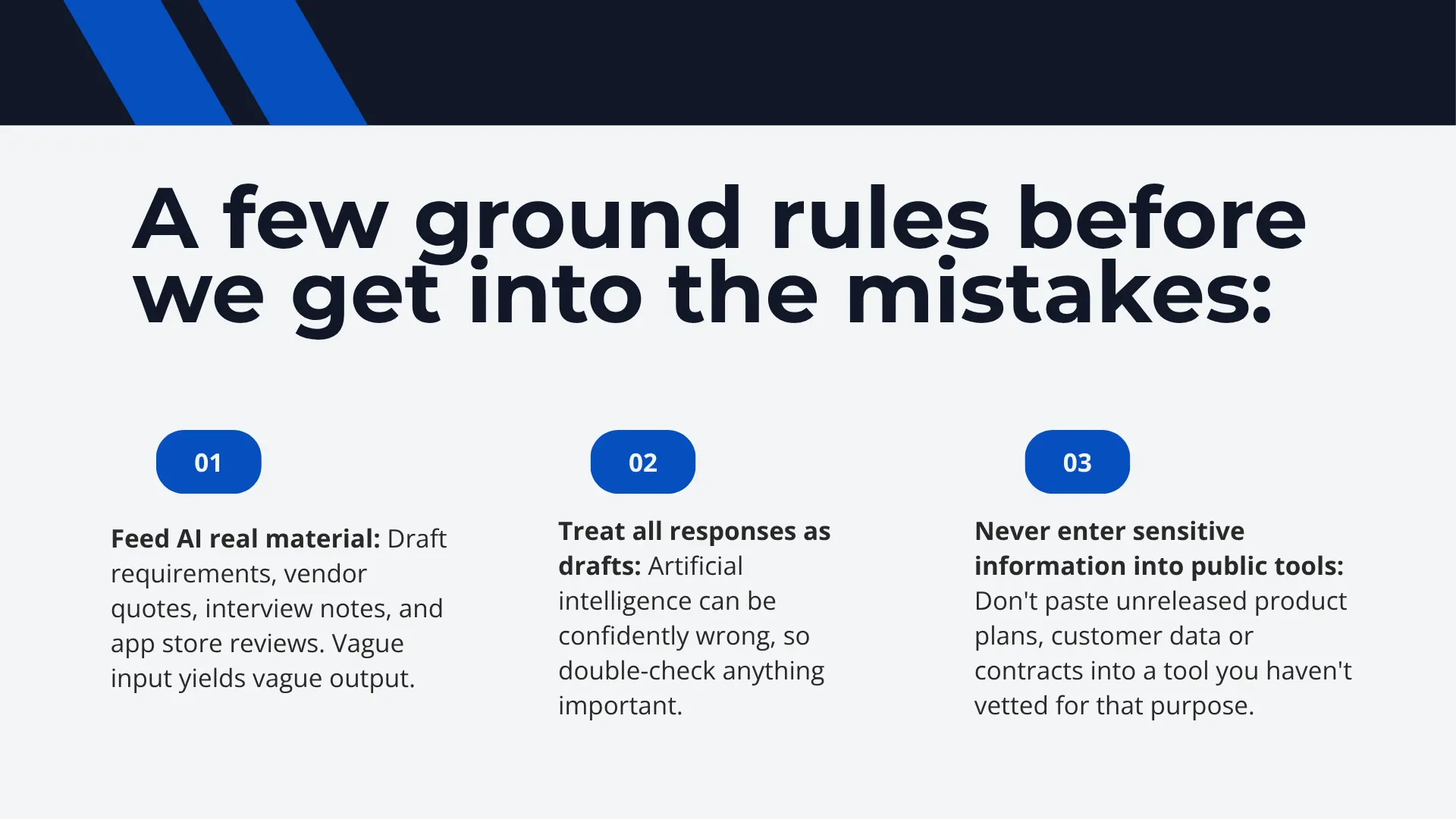
- Feed AI real material. Draft requirements, vendor quotes, interview notes, and app store reviews. Vague input yields vague output.
- Treat all responses as drafts. Artificial intelligence can be confidently wrong, so double-check anything important.
- Never enter sensitive information into public tools. Don’t paste unreleased product plans, customer data or contracts into a tool you haven’t vetted for that purpose.
10 Mobile App Development Mistakes Businesses Make Before Building
1. Building Before Validating the Problem
It is easy to fall in love with your own idea. You tell friends and colleagues, they say it sounds great, and that feels like proof. However, it is not. People who like you will cheer for almost anything.
Warning signs: you can’t describe your target user in one sentence, your only proof is internal excitement, or your feature list came from a brainstorm instead of user problems.
How AI helps: Collect real material first, e.g. interview notes, survey answers, and reviews of similar apps. Then ask AI to group the complaints into themes and show you the problems that keep recurring. You can also ask it to argue against you:
“Here is my target user and my app idea. Write down the top five reasons this user wouldn’t switch from what they’re currently using.”
It’s uncomfortable, but hearing it now is a lot cheaper. See this guide on how to validate a mobile app idea for a step-by-step process.
What still needs a human: AI can’t tell whether someone will actually pay or break a habit. Only real conversations and a small test can do that. And don’t ask AI to “simulate users” and call that research. Invented opinions are not evidence.
2. Not Conducting Competitor & Market Research
Some teams skip it because “nobody does exactly this.” Others only look at the biggest names in the category. In both cases, they fall short. Your real competition is whatever your users do today to solve the problem, even if that’s a spreadsheet or a WhatsApp group.
Warning signs: you can’t name three direct competitors, and you don’t know what their users complain about.
How AI helps: Copy the one- and two-star reviews of competitors’ apps into a document and ask AI to find the common complaints. Take the feature lists from their websites and tell it to write a comparison table. Then ask it to point out what no one seems to do well. Those gaps are often where a new app can get a break.
What still needs a human: An AI model working from memory could describe an app as it was a year ago. Download and try those competing apps yourself. Verify the features, and use the AI summary as a starting point.
3. Feature Creep & Ambiguous Requirements
“The app should be easy to use and quick.” Everyone agrees with that sentence, and it doesn’t tell a developer anything. That’s how projects drift. As a result, requirements stay fuzzy: one more feature here, another “little” change there, and suddenly the scope is twice what you agreed to.
Warning signs: requirements written as wishes, a feature list that grows weekly, and no clear answer to “what must be in the first version?”
How AI helps: Paste in your rough notes and instruct AI to turn them into user stories. Then ask it to find the holes. It’s good at finding what’s missing, for example a payment feature without a refund flow or a login screen without a password reset. You can also ask it to sort features into must-have, should-have and nice-to-have, and to explain its reasoning so you can challenge it. This is the same thinking covered in how AI helps you define mobile app features.
What still needs a human: Prioritization is a business decision. If you don’t tell AI your budget, deadline and goals, it will happily declare everything important. Set your constraints and you’ll get more useful answers.
4. Unrealistic Budget and Timeframe
One number from the first quote. No padding. No money set aside for after launch. This is one of the most common reasons projects get stressful halfway through.
Warning signs: the budget covers only “development,” the timeline assumes nothing will go wrong, and nobody has asked what’s not included.
How AI helps: Ask it to break your scope down into tasks and show you what is hidden underneath. Items that are often forgotten include the admin panel, push notifications, analytics, app store submission, account deletion, and testing on different devices. Also, if you’ve received quotes from multiple vendors, paste them in and ask what each one does not cover. You can build a simple risk list too: “What are the five most probable reasons this project will run late?” This breakdown of the mobile app development timeline is a good companion piece on how long the work actually takes.
What still needs a human: AI can’t give you a reliable price quote for your app, and you shouldn’t treat any number it gives you as one. Real estimates come from developers who know your scope. Use AI to ask them better questions.
5. Picking the Wrong Platform or Tech Path
iOS first, Android first, both, native, cross-platform? A wrong answer won’t kill the project, but it can be costly. All too often, the decision is made because “our team already knows this” or because a competitor did it that way.
Warning signs: the choice was driven by habit or fashion, and nobody documented what the app actually needs from the phone.
How AI helps: Begin by listing what your app needs from the device: camera, Bluetooth, background location, offline mode, biometric login. Then ask AI to explain the trade-offs between the approaches in plain language, and to suggest questions to ask developers. It’s also handy for translating technical jargon, so you can keep up with the conversation. If you have a website, your own analytics can tell you whether your audience leans iOS or Android.
What still needs a human: Frameworks and platform capabilities are always changing. Double-check anything critical against up-to-date official documentation, and leave the final call to an experienced tech lead.
6. Treating UX as “We’ll Fix It Later”
There is a dangerous phrase: “We’ll polish the design at the end.” Navigation, onboarding and the first minute inside your app decide whether people stay. Fixing them late means rebuilding screens that the developers have already built.
Warning signs: no wireframes, an onboarding flow that asks for too much too soon, and no thought given to what users see when there’s no internet or no data yet.
How AI helps: Write out your user flow in text and ask AI to review it. Which steps can be eliminated? What happens if the network goes down midway through a payment? What does a new user see on a blank screen? In addition, it can write alternative copy for buttons and error messages, and generate an accessibility checklist you can hand to your designer. The planning process is covered in more detail in how to plan a mobile app before starting development.
What still needs a human: AI can’t feel friction. Put a clickable prototype in front of a few real people and watch where they hesitate. That teaches you things no text critique ever could.
7. Postponing Security, Privacy and Store Rules to the End
Security is everybody’s business, which often means it’s nobody’s. As a result, many teams learn the app store rules only when their submission is rejected.
Warning signs: nobody owns security, data is gathered “just in case,” and the first encounter with store policies comes right before go-to-market.
How AI helps: Ask it to create a data inventory: what you collect, why you need it, where it’s stored, and who can see it. It’s a good way to spot data you don’t really need. You can also paste in sections of Apple’s App Store Review Guidelines and ask it to create a checklist for your specific features, such as accounts, payments and privacy disclosures. The OWASP Mobile Application Security project is a trusted security reference, and you can ask AI to map your app’s features to the risk areas it covers.
What still needs a human: An AI summary is not legal advice or a security audit. Privacy laws depend on where your users are located, so a qualified person should review them.
8. Choosing a Development Partner on Price Alone

The cheapest quote usually arrives first, fast, and without a single question about your project. That should give you pause. A partner who doesn’t ask questions probably isn’t thinking hard about your product.
Warning signs: no relevant past work, no clarity on who will actually build your app, and a proposal that is mostly a price.
How AI helps: Ask it to produce a vendor questionnaire and a simple scoring sheet before you begin calling companies. Paste in proposals and ask it to compare them side by side, flagging vague or missing sections. Then go through each company’s app development portfolio, look for products of similar complexity to yours, and ask what went wrong on those projects and how the team handled it. Looking for a more comprehensive framework? Here’s how to choose a mobile app development company.
What still needs a human: Talk to the people who will be doing the work and ask for references. Communication and trust are things AI can’t judge for you.
9. Adding AI Because It’s Cool
This one is new, and it’s growing. “We need AI in the app” isn’t a requirement. It’s a want. Teams add a chatbot or a recommendation feature, only to find that users already have better versions of it in the tools they use every day.
Warning signs: no one can say what problem the AI feature solves, there’s no plan for the data it needs, and no one has asked what happens when it gets something wrong.
How AI helps: Flip the question around and use AI to push back on the idea:
“My app will have an AI assistant that does [X]. What user problem does it solve? What data does it need? What happens when it’s wrong? What will each interaction cost to run?”
If the answers are weak, that’s useful information. If they’re strong, you’ve just written the first draft of a proper requirement. When AI truly belongs in your product, how to add AI features to an existing application covers the technical side.
What still needs a human: Operating costs and accuracy only become clear in a prototype with real data. AI features usually have ongoing usage costs, so plan for them early.
10. No Post-Launch Plan
Many budgets end on launch day, as if the app is just going to take care of itself. It isn’t. Phones get updated, users post reviews, and bugs appear on devices you never tested.
Warning signs: no one is assigned to read reviews, no analytics plan, and no money set aside for updates.
How AI helps: Ask it to write a post-launch checklist for you: crash monitoring, review triage, a release schedule, and the handful of numbers you’ll check every week. Set your feedback categories now, so that later you can ask AI to sort a month of reviews into themes and see what to fix first.
What still needs a human: Define what “success” means before you launch. Both major mobile platforms release new OS versions regularly, so someone will have to keep the app working as they do.
Business Errors and Technical Errors: Where Artificial Intelligence Can Assist the Most
Not all the errors on this list belong to the same person. Some are choices that a founder or product owner makes. Others sit with the technical team. Knowing which is which helps you ask the right questions of the right people.
| Kind of mistake | How AI helps the most |
| Business and product mistakes (validation, research, scope, budget, partner selection, post-launch planning) | Analysing feedback, questioning assumptions, exposing gaps in plans and comparing proposals |
| Technical and design errors (platform selection, UX, security, store rules) | Discussing trade-offs, criticising flows and turning guidelines into checklists, always peer-reviewed |
A Simple Pre-Development Routine You Can Use With AI
You don’t need a fancy setup. This routine takes a few hours, not a few weeks.
- Summarise the problem in one sentence. Who is it for, and what problem does it solve? Ask AI to explain anything unclear.
- Give it real research. Competitor reviews, interview notes, survey responses. Ask about recurring themes.
- Stress-test the scope. Give it your feature list, your budget and your deadline, then ask: “What’s missing? What’s risky? What can we cut?”
- Get ready for the vendor call. Ask AI for ten questions to ask any development partner, based on your scope.
Finally, take the results to people who can challenge them: your team, your users, and your developers.
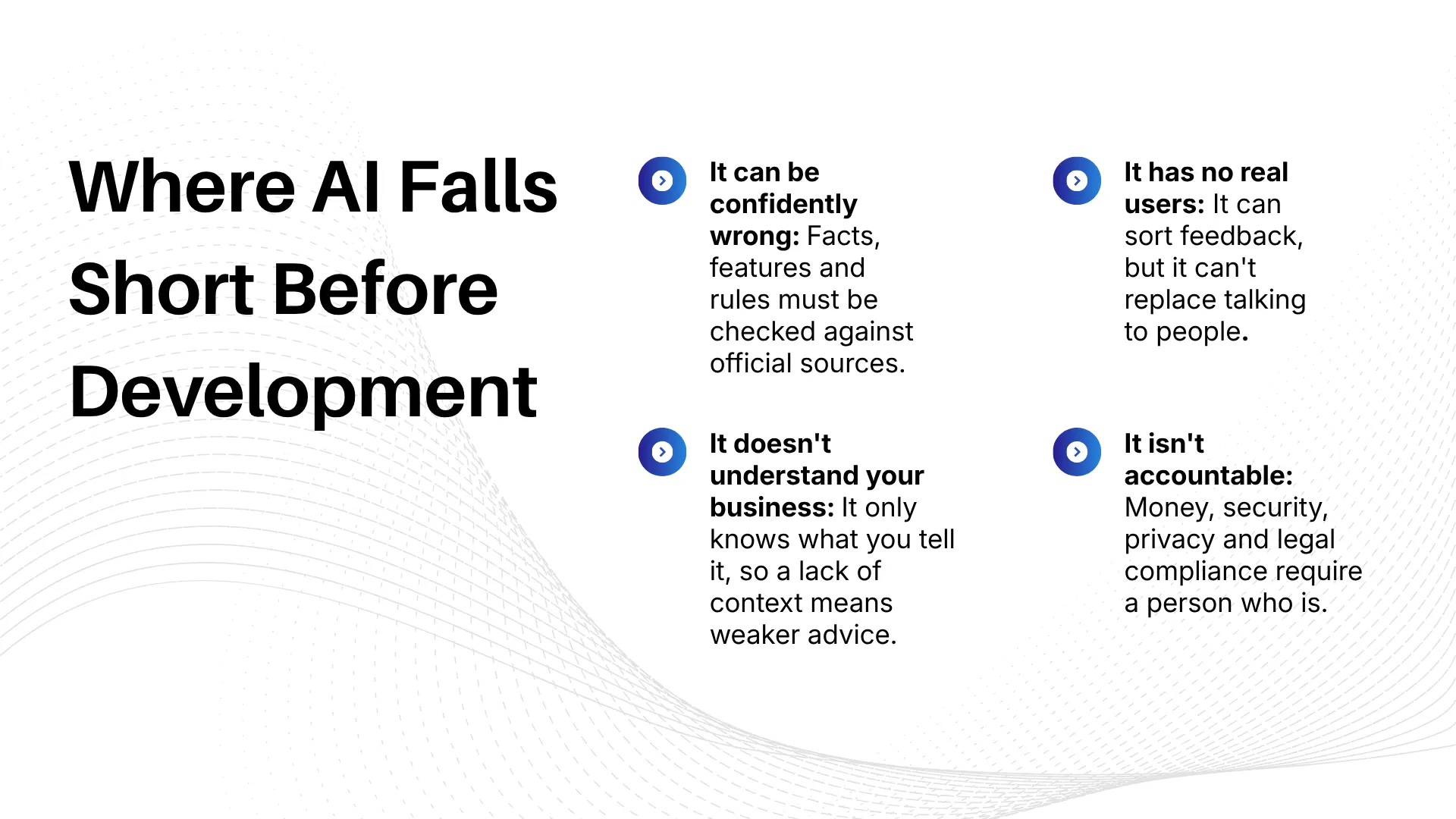
Where AI Falls Short Before Development
It’s worth being honest about this, because overestimating AI’s capabilities leads to its own mistakes.
- It can be confidently wrong. Facts, features and rules must be checked against official sources.
- It has no real users. It can sort feedback, but it can’t replace talking to people.
- It doesn’t understand your business. It only knows what you tell it, so a lack of context means weaker advice.
- It isn’t accountable. Money, security, privacy and legal compliance require a person who is.
In short, use it to think faster and ask better questions. Don’t use it to duck the work of choosing.
Read Also: Questions to Ask Before Hiring a Mobile App Development Company
Conclusion
Most apps that fail aren’t killed by bad code. They’re built on early choices that no one challenged: a problem that was never validated, a scope that kept expanding, a budget that ran out at launch. The good news is that these mistakes are visible if you look for them, and AI makes looking a lot faster and cheaper than it used to be.
Start small. Pick the mistake on this list that worries you the most, and spend an afternoon testing your plan against it. Then move on to the next one. By the time development kicks off, you’ll know a lot more about your own project than most teams do, and every conversation with developers will be better for it.
Have an app idea and need a second opinion before you start developing? CodeStore can walk you through these questions.