
table of content
- Meta Muse AI Agent: Features, Uses, and Business Impact
- What Is Meta Muse?
- How the Meta Muse AI Agent Works
- What Muse Signals for Enterprise AI Adoption
- Key Challenges of Enterprise AI Adoption
- Consumer AI Agent vs Enterprise AI Agent
- How Meta Muse Can Help Businesses and Teams
- How Enterprises Can Bring AI Agents into Their Mobile Apps
- How to Prepare Your Business for AI Agents
- When to Build a Custom AI Agent
- Conclusion
- FAQs


Meta Muse AI Agent Explained: Features, Enterprise Use Cases, and What Businesses Need to Know
Meta Muse AI Agent: Features, Uses, and Business Impact
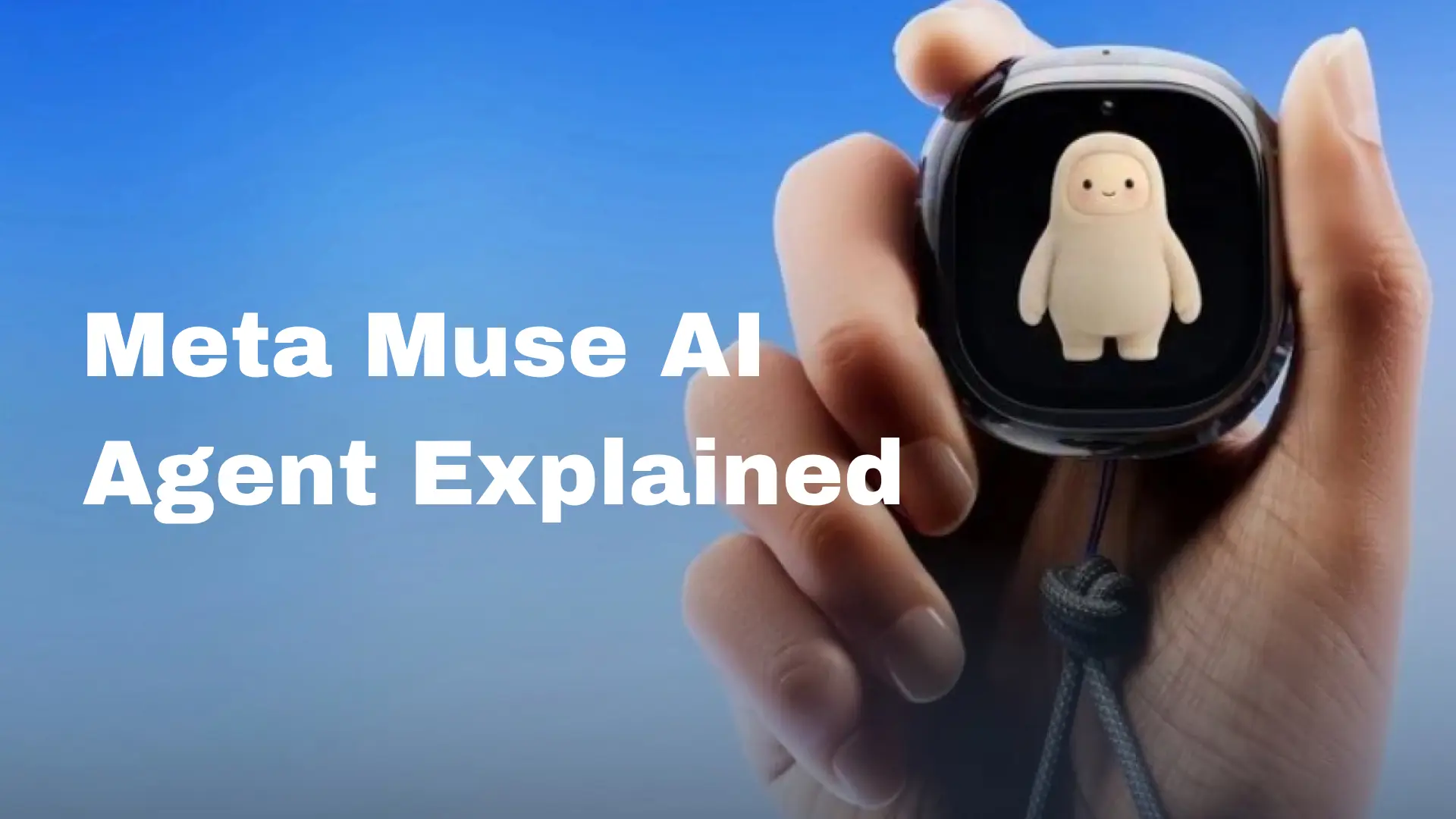
Meta released Muse, its personal AI agent, to the general public on September 8, 2026. On September 28, it released the Meta Enterprise Platform, which includes the Muse agent, the Muse API and Muse Code, for businesses and developers. Many business leaders are now asking what the Meta Muse AI agent means for them. Muse began as a personal AI agent, so its enterprise relevance is still taking shape. What matters most for business leaders is whether an AI agent fits their own business processes, business data and business rules.
In this guide, we’ll explain what Muse is and how it works, what it signals for enterprise AI adoption, and what your company should do about it. We’ll also share what we’ve seen while building AI agents at CodeStore.
What Is Meta Muse?
There are a few key differences between Muse and the chatbots the public is familiar with.
For one, according to Meta, Muse lives in the cloud on a secure virtual machine, along with its own web browser. Effectively, Meta has created a cloud computer that runs a web browser and an AI agent, and it offers that as an AI assistant.
The assistant runs in the background. Compared to other chatbots, it has more autonomy. Meta says it continues its tasks after you close the app and returns when it needs your input, or when an action, like sending an email, requires your approval.
Meta also says Muse remembers information that users care about and can help with tasks related to that information.
It is powered by Muse Spark, a model that Meta describes as its most capable to date, built for real-world agentic work.
Muse is free for most users, and Meta offers subscription plans for people who want to do more. It is available on iOS, Android and the web, and you can also use it in WhatsApp. Meta says it is coming soon to AI glasses.
Muse will also be available to companies through the Meta Enterprise Platform, which brings the Muse agent, Muse API and Muse Code to businesses and developers. Details are still emerging, so check Meta’s announcement for the latest.
How the Meta Muse AI Agent Works
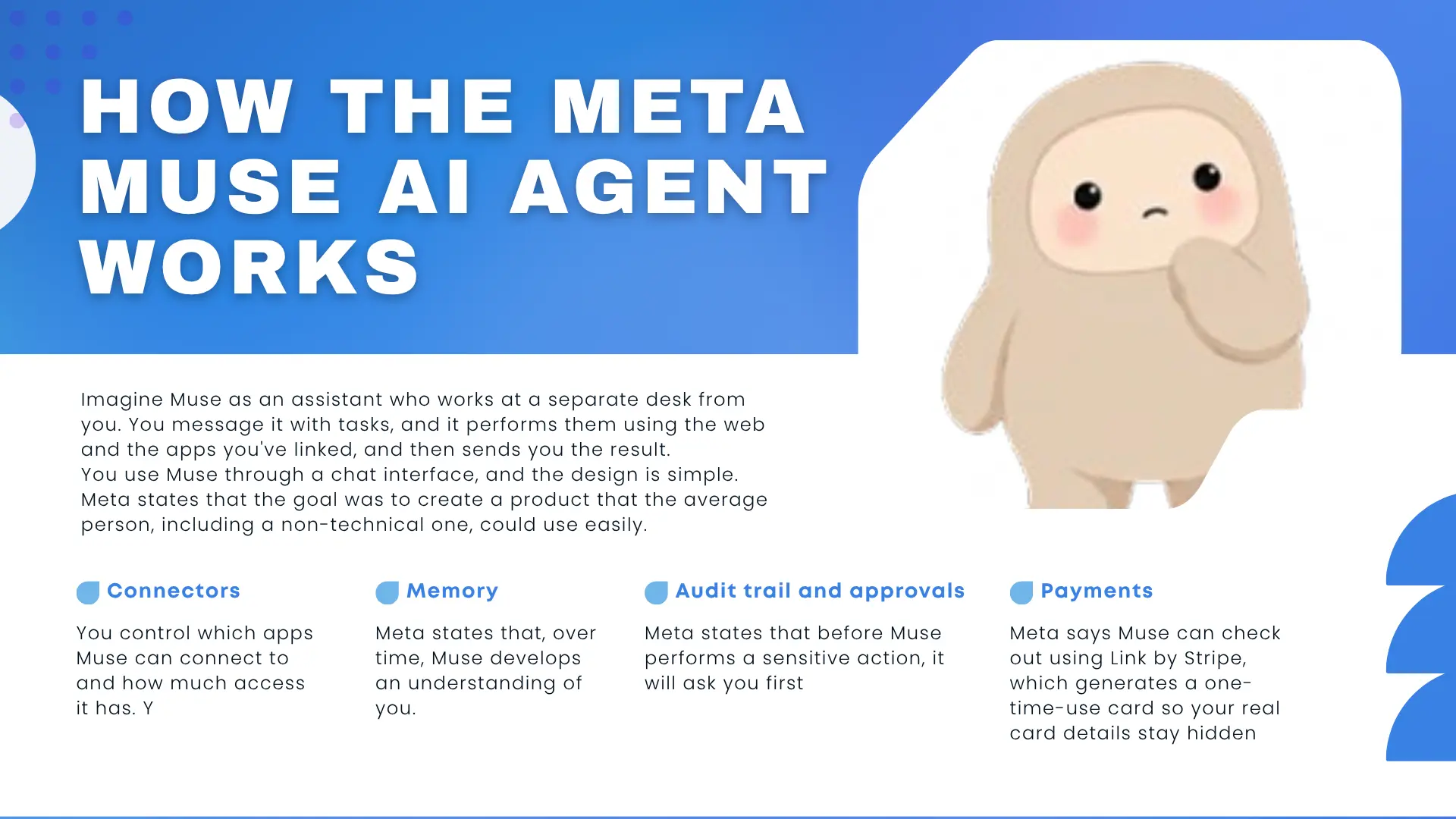
Imagine Muse as an assistant who works at a separate desk from you. You message it with tasks, and it performs them using the web and the apps you’ve linked, and then sends you the result.
You use Muse through a chat interface, and the design is simple. Meta states that the goal was to create a product that the average person, including a non-technical one, could use easily.
Connectors. You control which apps Muse can connect to and how much access it has. You can limit the actions it can perform, and you can change or remove apps whenever you want.
Memory. Meta states that, over time, Muse develops an understanding of you and your preferences and suggests actions you may want to take. You can also tell it to forget specific things.
Audit trail and approvals. Meta states that before Muse performs a sensitive action, it will ask you first. It also shows you a log of the actions it has performed and plans to perform.
Payments. Meta says Muse can check out using Link by Stripe, which generates a one-time-use card so your real card details stay hidden.
So how is this different from a chatbot? The most important difference is that it acts. Imagine a chatbot that says, “Here are some options for booking your flight.” Now imagine another that books your flight and says, “Here is your flight itinerary. Would you like to confirm?” The second example is what Muse does.
What Muse Signals for Enterprise AI Adoption
There are several things worth noting about the design of Muse.
AI is moving from answering questions toward completing tasks. The shift from chatbots toward AI agents is becoming more visible. Muse doesn’t just offer suggestions. It takes task completion a step further and asks for approval before sensitive actions.
Agents can work through a browser and connected apps. Meta says Muse has its own browser and connects to the apps you choose. For business, this matters because so much company work happens in web tools and connected applications.
Human oversight, approvals and auditing are part of the design. Meta has emphasized safety by describing separate machines, human approval, access controls and an audit trail. Business systems need similar and often stricter controls.
Background execution changes the nature of work. When an agent keeps working after you close the app, work can be delegated the way you would delegate to a colleague.
As people become more familiar with task-oriented AI in their personal lives, expectations for workplace software may also change. Employees may see an assistant that completes forms as a more productive option than company software that makes them do the same work by hand.
Key Challenges of Enterprise AI Adoption
Bringing agents into a company is harder than launching a consumer app. Here are the problems we see most often.
Data privacy and access. An agent that reads email, files and databases can see a lot. Businesses have to decide exactly what it can access and where that data goes. They should also consider data privacy laws like the GDPR. If you are new to this, read our guide on data privacy laws businesses must follow.
Permissions and approvals. Some actions in a company need approval, such as a refund or a change to a record in the system. Management has to decide which actions need a human to approve them.
Dependence on third parties. According to CNBC, Amazon blocked Muse from shopping on its site and said the agent’s access violated its terms of service. Other platforms may also set restrictions on how agents access them.
Integration with other systems. To be useful, an agent has to work with the systems a company already uses, such as ERP and CRM systems.
Errors and accountability. If the agent makes an error, how will the company know? Who is accountable? Unless a company has processes for ownership and accountability, it risks running a system that makes numerous errors.
Consumer AI Agent vs Enterprise AI Agent
A general-purpose agent and an enterprise AI agent may look similar from the outside, but they differ significantly in design and intended use.
| Meta Muse / general-purpose agent | Enterprise AI agent |
| Main purpose: Personal productivity and task execution | Main purpose: Business workflows and organizational tasks |
| Who it serves: Individual users | Who it serves: Teams, departments, customers or employees |
| Data and connections: Personal connected services and preferences | Data and connections: Company systems, databases, APIs and knowledge bases |
| Permissions: User-controlled permissions | Permissions: Organizational roles and access policies |
| Workflows: General-purpose workflows | Workflows: Business-specific workflows and rules |
| Customization: Personal preferences and settings | Customization: Greater customization around company requirements |
Meta has announced its Enterprise Platform, so general-purpose agents developed by Meta may be extended into business settings. A business may decide to use a general-purpose agent to interact with its employees or customers. However, depending on the company’s processes and systems, a general-purpose agent may prove inadequate.
Meta’s approach is interesting here. According to Meta, a second agent, called Sentinel, runs on the same machine to decide whether Muse can communicate with external systems. Enterprise businesses should consider a similar approach.
Take a look at our article on custom AI agents to see why some businesses may prefer them to off-the-shelf agents.
How Meta Muse Can Help Businesses and Teams
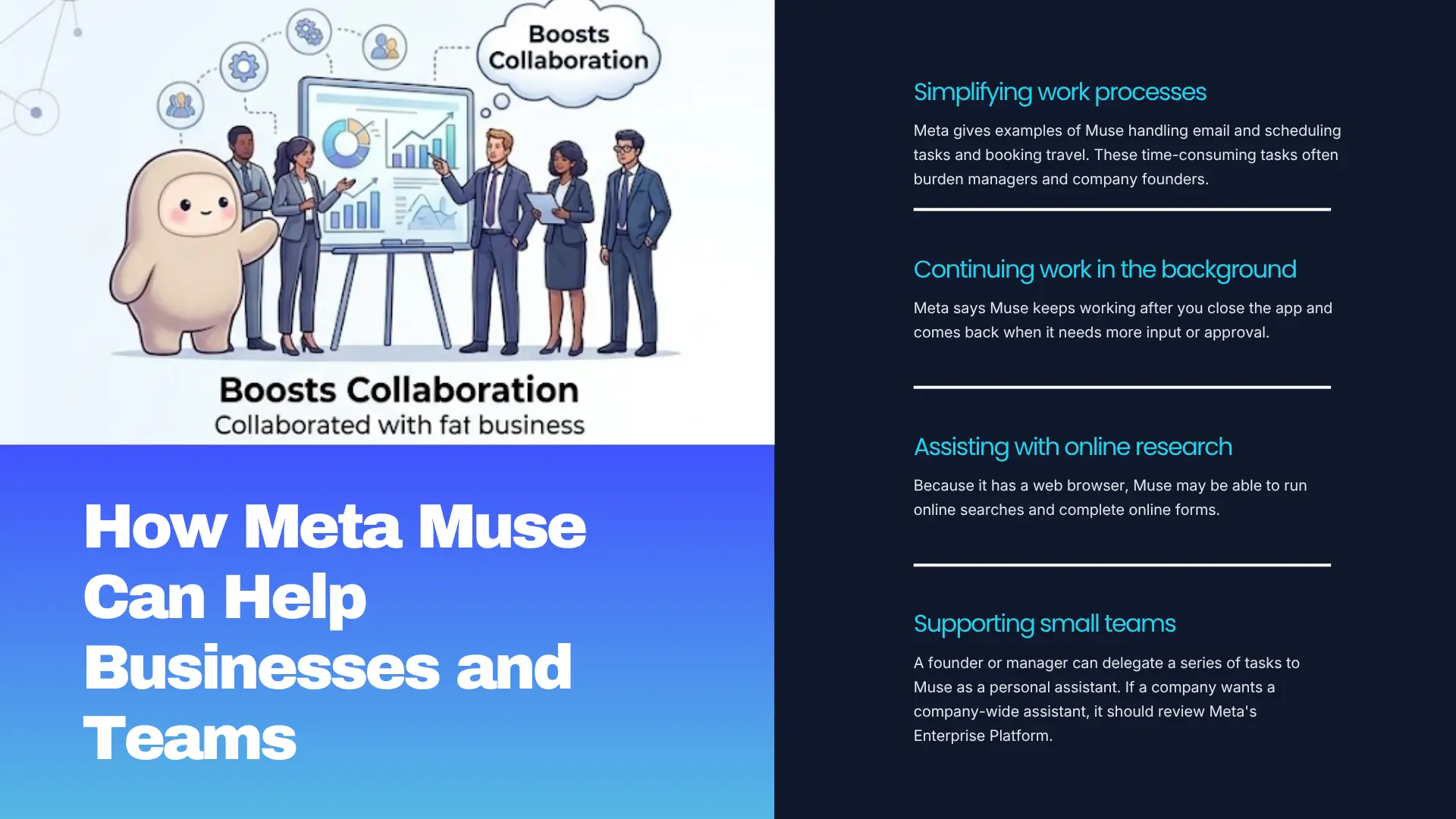
Here’s what Meta’s announcement may mean for employees and small teams.
Simplifying work processes. Meta gives examples of Muse handling email and scheduling tasks and booking travel. These time-consuming tasks often burden managers and company founders.
Continuing work in the background. Meta says Muse keeps working after you close the app and comes back when it needs more input or approval. So an employee can hand off a task, or a series of tasks, and return to other work.
Assisting with online research. Because it has a web browser, Muse may be able to run online searches and complete online forms.
Supporting small teams. A founder or manager can delegate a series of tasks to Muse as a personal assistant. If a company wants a company-wide assistant, it should review Meta’s Enterprise Platform.
Built-in approvals. A system that asks for approval before completing a task is better than one that acts without asking.
Of course, many of these examples describe possible situations, and Muse is still new. There are legitimate privacy and security concerns, and it may not be suitable in every situation. A company should evaluate the risks before using Muse for work that involves personal or sensitive company data.
The gap between a general-purpose agent and an agent built for a company’s processes is where custom agent development can become valuable. Take Sibot, an AI app we built. Users can name their Sibot, choose its personality and set goals, and it learns from their conversations, tracks progress and sends reminders. Conversations are encrypted, and users control how much they share. Personalization, memory and privacy control are also central to Muse’s design. For more information, see our case study on Sibot.
How Enterprises Can Bring AI Agents into Their Mobile Apps
According to Meta, Muse is available on iOS, Android, the web and WhatsApp, and it is coming soon to AI glasses. From a user’s perspective, the phone is a natural place for an AI agent. If your employees or customers use your mobile app frequently, adding an AI agent there could be beneficial.
The hard part isn’t building the agent. It’s making it work well inside the app, with a good user experience, secure data handling and clear permissions. This is where an experienced mobile app development company can help. For more on the technical side of AI agents and mobile apps, see our guide to AI in mobile app development.
How to Prepare Your Business for AI Agents
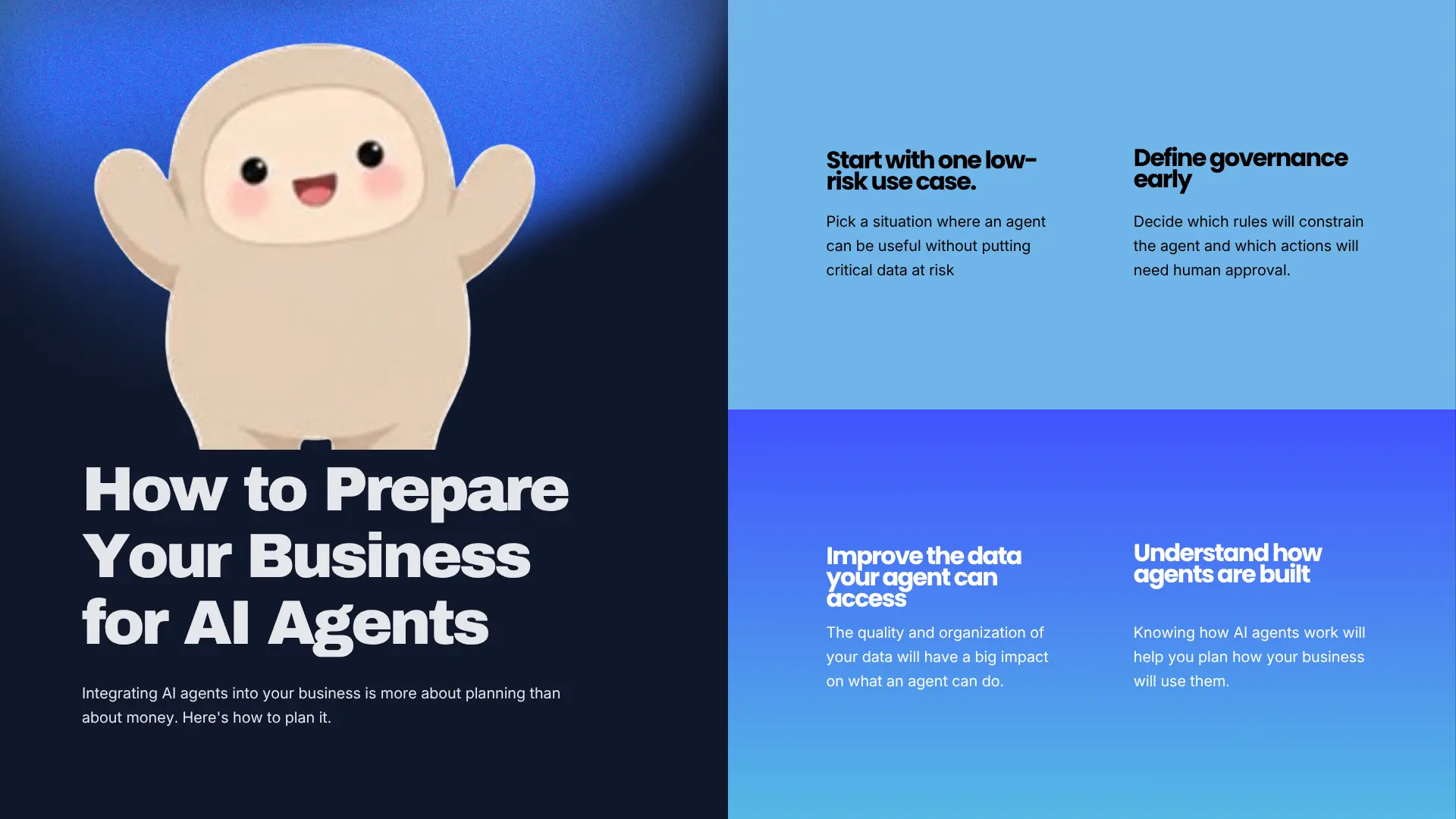
Integrating AI agents into your business is more about planning than about money. Here’s how to plan it.
Start with one low-risk use case. Pick a situation where an agent can be useful without putting critical data at risk. Good starting points include organizing, classifying or summarizing documents.
Define governance early. Decide which rules will constrain the agent and which actions will need human approval. The NIST AI Risk Management Framework is a helpful reference here. It is a voluntary framework from the US government’s standards body. NIST has said the current version is being revised, so check for updates.
Improve the data your agent can access. The quality and organization of your data will have a big impact on what an agent can do. Our guide on generative AI development covers how models and business data work together.
Understand how agents are built. Knowing how AI agents work will help you plan how your business will use them. For a more detailed look, read our complete guide to building AI agents.
A quick readiness checklist
Before you launch any AI agent, ask:
- What exact task will it perform, and how will we know it did the task correctly?
- What data can it access, and what data is off limits?
- Which actions will need human approval?
- Will we be able to see a log of what it did?
- Who is accountable if it makes a mistake?
- Will it meet our organization’s compliance standards?
- Will it connect to other company systems, and what happens if one of them changes or becomes unavailable?
- Can we shut it off quickly if needed?
If you can’t answer these questions, the agent isn’t ready to deploy. It’s better to find these issues during development than after deployment.
When to Build a Custom AI Agent
There are several cases where building a business-specific AI agent is justified:
- The agent needs to work with your internal systems and data.
- You need strict limits on which actions the agent can take.
- Regulators or clients expect detailed audit trails of what the agent did.
- Your operations depend on workflows that are unique to your industry.
- You want to offer an agent that interacts with your customers or employees as part of your own product.
Our agentic AI development services let us build business-specific agents around your workflows, data and requirements.
Here’s an example from our work. In one of our EdTech projects, the goal was to use AI to understand where students were dropping off and to act on it. According to our EdTech case study, this approach reduced student drop-offs and improved retention. It’s a good example of an agent that acts, not one that only reports.
“Build vs buy” is a topic we’ve covered as well. Our article on build vs buy software outlines what to consider when making this decision.
Conclusion
Muse shows how quickly AI is evolving to handle more complex tasks, and Meta is now offering businesses a platform to do the same. Copying Muse is probably not the best idea. A better idea is to follow its example of building in approvals, access control, auditing and restricted functions, and to add other controls in a responsible way.
If you are thinking about bringing AI into your business processes, the CodeStore team can help you design and build a solution. Contact us to learn more.
Details about Muse and the Meta Enterprise Platform in this article are based on Meta’s announcements and news reports as of September 29, 2026, and may change as the products evolve.