
table of content
- Understand How API Integration Works in Mobile Apps
- API Integration in Mobile App Development
- Common API Integrations and What Makes Each One More Expensive
- API Integration Cost: Two Bills, Not One
- Securing API Integrations in Mobile Apps
- Where AI Fits In
- Choosing a Partner for API Integration Services
- Conclusion
- FAQs


API Integration in Mobile App Development: Costs, Benefits and AI
Understand How API Integration Works in Mobile Apps
Key Takeaways
- API integration connects mobile apps with external services such as payment processing, mapping and messaging.
- It reduces development time, but does involve one-time upfront costs and usage costs over time.
- Plans need to be made for security and maintenance from the outset.
- Different pricing models for AI services make budgeting difficult.
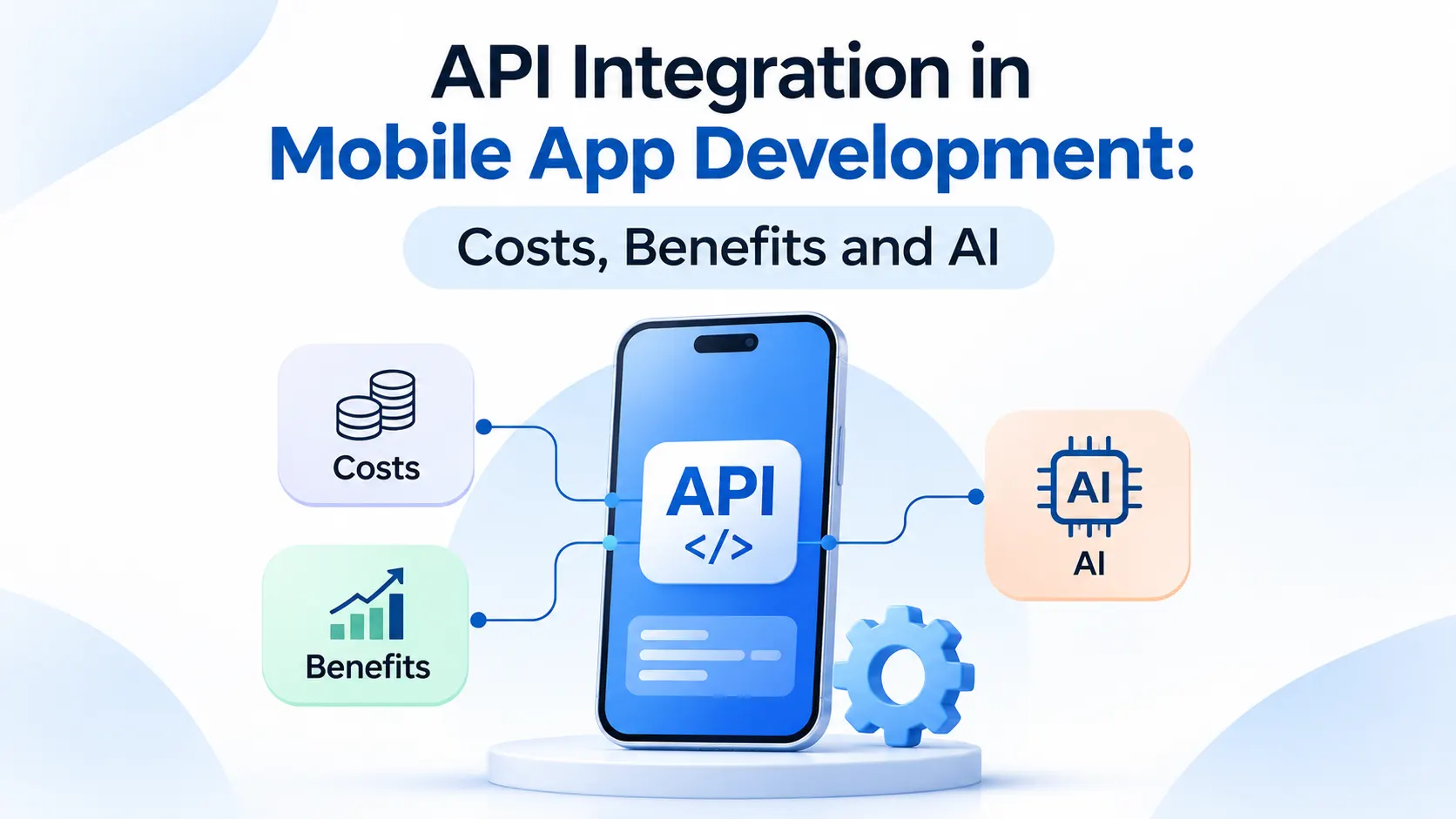
Most of the apps you use every day rely on other services to deliver their features. For example, payment processing in a ride-hailing app, the “Sign in with Google” button in a food delivery app and maps in a messaging app all depend on external services. Mobile apps connect to these services through APIs.
API integration is often an overlooked part of a mobile app budget. You may plan for the screens and features first, only to realise later that every connection to an external service adds development time, testing and security work. It can also bring monthly costs that increase as your app gains more users.
This article explains what API integration in mobile app development involves, how much it can cost and what benefits it offers. It also looks at how AI is changing the integration process and where it can help manage development costs.
The following two types of APIs are commonly used in mobile projects:
- Third-party APIs are owned by other companies and typically provide services such as payment processing, mapping and SMS messaging.
- Custom APIs, on the other hand, are built for your own product. They usually connect your app to your servers, database and business logic. This is the work commonly referred to as API development.
Most mobile apps use both types. Third-party APIs provide ready-made features, while custom APIs connect those features to your own data. Good mobile app API integration brings these different components together, helping the app run smoothly even when individual services change.
API Integration in Mobile App Development
APIs help small development teams build more complex features without spending time creating every component from scratch. As a result, they can also reduce the time it takes to bring a product to market.
Here are some of the key benefits:
- Less risk with complex features. Payment processing and messaging involve security and compliance requirements. Working with an established service provider can help your team manage these challenges.
- Familiar features for users. Integrating a payment API or mapping service gives users access to features they may already know and trust.
- Greater flexibility. You can add new features through API integrations as your app grows. You can also switch providers if their pricing or services no longer meet your needs.
- Better-connected data. APIs help your team access information through the systems they already use. For instance, an API can connect your app with your CRM, ERP or analytics tools.
However, every integration also makes your business dependent on an external service that you do not directly control.
Common API Integrations and What Makes Each One More Expensive
Consider the Foody food delivery case study. Its feature list includes payment options, order tracking, GPS tracking and navigation for delivery personnel, and push notifications. Depending on how these features are implemented, they may require integrations with payment processors, mapping services and notification providers.
The development effort and costs usually depend on the requirements of each integration.
| Integration | What drives the cost |
| Payment | Security and compliance requirements, refunds, failed-payment handling and testing across different card types |
| Maps and location | Usage-based pricing per request, along with battery and permission management |
| Social/Apple/Google login | Initial setup may be simple, but account linking and users hiding their email addresses need extra attention |
| Push notifications and SMS | Per-message pricing, opt-in requirements and delivery tracking |
| CRM, ERP | Older systems, unclear data formats and the rules for syncing data in both directions |
| AI | Usage-based pricing, which increases as more users access the feature |
Ultimately, the provider matters less than the number of edge cases your app needs to handle.
API Integration Cost: Two Bills, Not One.
1. The build cost (one time)
This covers the time developers, designers and testers spend connecting your app to each service. Several factors can affect this cost:
- The number of integrations required
- How complete the provider’s documentation and test environment are
- How much your data needs to be transformed to work with the API
- Whether you need a custom API on your own server or can use an existing one
- Security and compliance work, especially when handling payments and personal data
- The experience and location of the development team
2. The running cost (every month)
Many APIs charge based on the number of requests, users or messages. A feature that costs very little with 500 users may become much more expensive when your app reaches 50,000 users. You also need to account for monitoring, updates when a provider changes its API and ongoing support.
Most budgets focus only on the initial build cost. However, it is just as important to understand the ongoing expenses. Ask each provider for pricing based on the number of users you expect. You can also read our guide to mobile app development costs to understand how API integration fits into the overall budget.
Surprises usually come from the way an app uses APIs. A few common examples include:
- Polling instead of webhooks. When an app checks an API every few seconds to see if there is new information, it can quickly use up paid requests. With webhooks, the provider notifies your server only when something changes, which can help reduce unnecessary requests.
- No caching. Without caching, your app may make thousands of API calls to fetch the same data repeatedly. Caching frequently requested results can help reduce these costs.
- Free plans and rate limits. Free plans have limits, and paid usage can become expensive as your app grows. Find out what happens when your app reaches its request limit or moves beyond the free tier.
- API changes and version retirements. Providers regularly update their APIs and eventually retire older versions. Keeping up with these changes takes time and may require updates to your app.
- Too many vendors. Every additional provider brings another invoice, login and potential point of failure.
A simple backend layer can help manage many of these challenges. It can cache results, protect API keys and make it easier to switch providers without requiring users to install a new app version. Your choice of mobile app tech stack also affects how easily this backend layer can be implemented.
There are Mobile-specific Challenges that API guides usually skip.
Phones and tablets connect to APIs through Wi-Fi and cellular networks, which can make the integration process a little more complicated.
- Changing network conditions. Users may switch between Wi-Fi and mobile data, enter areas with poor signals or lose connectivity altogether. Each API call should have a timeout and a limited number of retries. In some cases, it is better to store important data on the phone and sync it later. Android’s guide to offline-first apps explains this approach.
- Older app versions. Users do not always update their apps as soon as a new version becomes available. If a provider retires an older API version, people using outdated app versions may start experiencing errors.
- Battery and data usage. Frequent API calls and constant data syncing can drain a phone’s battery and increase mobile data consumption.
- App store review. Changes made inside a mobile app usually require a new release and app store review. However, updates made on your own server can often go live without requiring users to install a new version.
Securing API Integrations in Mobile Apps
Each API integration creates another potential entry point that could expose your app and its data to security risks. Following a few best practices can help reduce these risks:
- Keep secrets off the phone. API keys embedded in an app can be extracted by anyone who inspects it. Instead, route sensitive requests through your own server and keep the keys protected there.
- Use short-lived tokens for users. For authenticated users, issue an access token that expires quickly and can be renewed using a refresh token. On iOS, store tokens securely using the Keychain. On Android, use the Keystore.
- Do not trust external data blindly. Even trusted providers can sometimes return unexpected data. Always validate the response before the app uses or stores it. OWASP identifies this risk as “unsafe consumption of APIs” in its API Security Top 10.
Security becomes even more important when an app handles financial transactions. The Digital Pay case study covers payments, card operations and notifications. An app with similar features needs to follow strict security practices throughout the integration process.
Where AI Fits In
AI can support API integration in two ways: as a feature within the app and as a tool that helps developers with the integration work.
AI as a feature. AI-powered features such as chatbots, smart search and recommendations usually connect to your app through a third-party provider’s API. Many AI providers charge based on usage, so costs can increase with the number of users and the average length of their requests. Some providers also measure usage in tokens, which are small pieces of text. Both the input and the generated response can count towards the total. A few simple controls can help manage these expenses:
- Set request limits for individual users.
- Reuse responses to common questions where appropriate.
- Use smaller, more affordable models for less complex tasks.
- Plan a fallback for situations when the AI service is slow or unavailable. This could be a simple default response or an alternative way to complete the task.
Privacy and Speed. AI providers may receive the information your app sends with each request. Therefore, send only the data the feature needs and keep sensitive user information on your own servers wherever possible. AI responses can also take time to generate, so show a loading state to let users know that the request is being processed.
Before choosing a provider, review its policies to understand how it stores, retains and uses your data. These details are important when deciding whether an AI service is suitable for your app.
AI as a helper. AI coding tools can help developers read API documentation, write initial connection code and suggest test cases. They can also assist with drafting technical documentation. However, their suggestions are not always accurate. A developer should review the generated code against the provider’s latest documentation and test it in the provider’s sandbox before releasing it to production.
Knowing what to expect from an integration project, whether API-related or otherwise, is important when planning the wider mobile app development process.
Discovery. Identify all the app features that depend on external data or services.
Provider review. Go through the provider’s documentation, check the expected costs at your estimated usage level and make sure its limits and support options meet your requirements.
Design. Plan how data will move between systems and where it will be stored. Also, decide what the app should display if an API request fails.
Build in a sandbox. Start by connecting to the provider’s test environment and using sandbox accounts before moving to live services.
Test failures. Test different situations, including slow network connections, expired tokens, duplicate payments and empty responses.
Launch with monitoring. Track error rates, response times and API usage costs from the first day.
Maintain. Keep track of provider updates, renew API keys when needed and update your app when API versions change.
Preparing a written list of integrations at the beginning of the project can help you estimate the development time more accurately.
Choosing a Partner for API Integration Services
When choosing an API integration partner, look for a team that can clearly explain how it plans to manage costs at scale, handle failures, manage API versions and protect your app. It is also worth asking how the team has handled similar challenges in previous projects.
At CodeStore, third-party integrations and custom API development are part of our mobile app development services. If you already have a list of the services your app needs to connect to, share it with us. We can help you scope the development work and estimate the associated costs.
Conclusion
API integration can help you add useful features to a mobile app without building everything from scratch. However, it can also affect your budget and development timeline if the costs and technical requirements are not planned properly. Teams that manage integrations effectively consider both build and running costs, prepare for changing network conditions, test for API failures and account for AI-related expenses.
Make a clear list of the services your app will need to connect to and reach out to each provider for pricing based on your expected usage. Our team can help you plan out your project. Contact us to discuss your needs.