
table of content
- Why Mobile App Maintenance Matters After Launch
- Why Is Mobile App Maintenance Important After Launch?
- What Does Mobile App Maintenance Include?
- What Are the Key Benefits of Regular Mobile App Maintenance?
- What Happens If You Ignore Mobile App Maintenance?
- How Much Does Mobile App Maintenance Cost?
- How Is AI Changing Mobile App Maintenance?
- When Should You Consider Professional Mobile App Maintenance Support?
- Conclusion
- FAQs


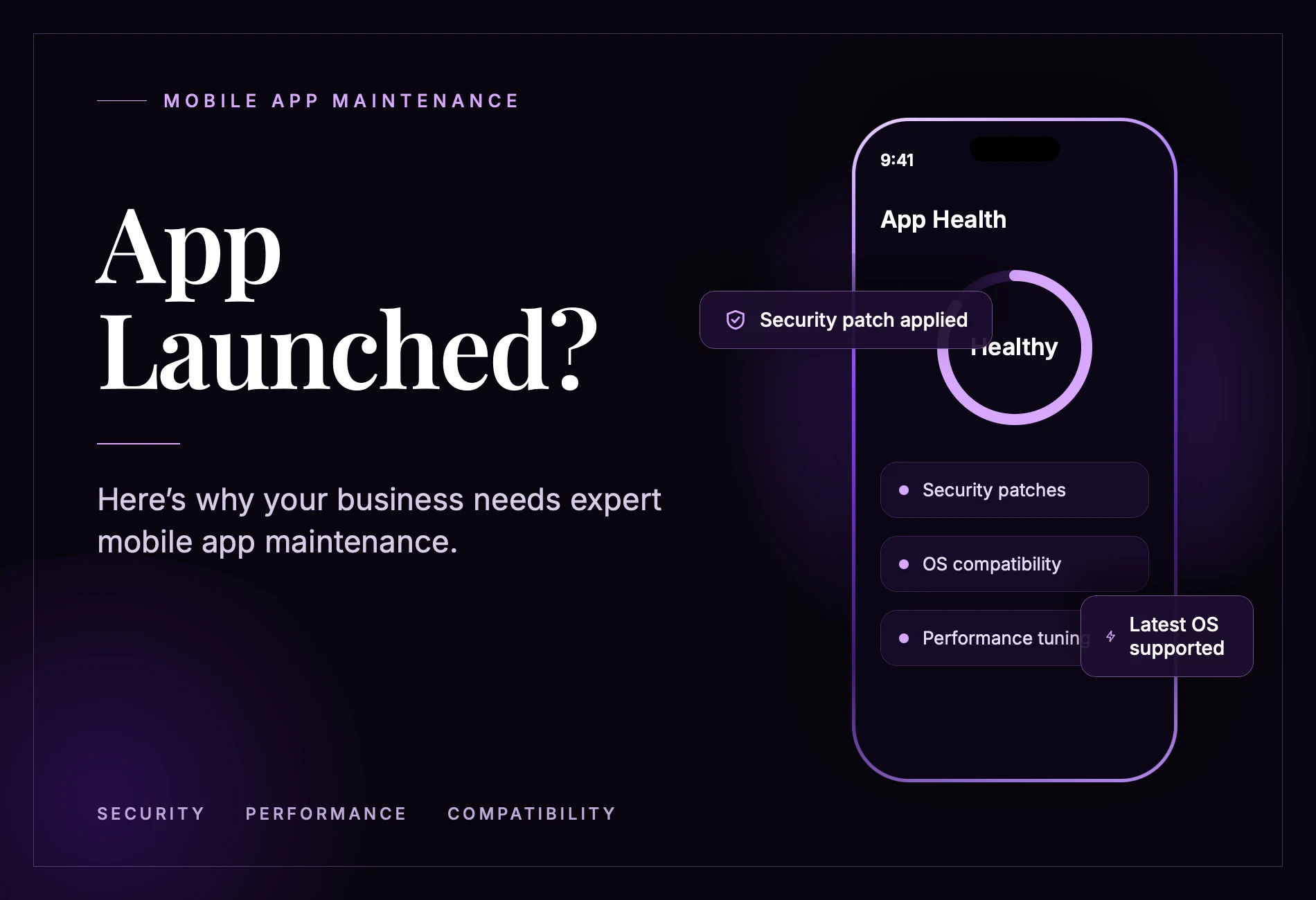
App Launched? Here’s Why Your Business Needs Expert Mobile App Maintenance
Why Mobile App Maintenance Matters After Launch
Quick Summary
- Mobile app maintenance keeps an application running smoothly after its launch.
- It includes monitoring, bug fixes, software updates, testing, and performance improvements.
- Regular maintenance helps improve user experience (UX), app security, and third-party integrations.
- Developers can use AI tools to analyze crash reports and create test cases, but they should review and test every suggested fix.
- Businesses can schedule routine maintenance during quieter periods, such as weekends, or work with a professional development team for ongoing support.
Why Is Mobile App Maintenance Important After Launch?
A lot of work goes into designing and developing an application before it reaches the market. However, launching an app does not mean the development work is finished.
Once an app is available to users, it has to work across different devices, network conditions, operating systems, and real-world situations. Features that worked during testing may not behave the same way after launch. An Android or iOS update, a backend change, or an increase in active users can affect how an application performs.
Regular maintenance helps keep an app running as expected. It allows developers to fix problems, protect user information, improve compatibility, and maintain performance as technology and customer expectations change.
What Does Mobile App Maintenance Include?
The scope of a maintenance plan depends on an app’s features, technology, integrations, and business requirements. Most plans cover the following activities:
| Maintenance Activity | What It Involves |
| Bug Fixing | Resolving errors related to login, navigation, payments, and other app features. |
| Security Updates | Fixing vulnerable dependencies and reviewing data protection practices. |
| Performance Monitoring | Tracking crashes, failed requests, screen loading times, and memory usage. |
| OS Compatibility | Checking app performance across supported Android and iOS versions. |
| API and SDK Updates | Updating payment, analytics, notification, and other third-party integrations. |
| User Experience Improvements | Using feedback and analytics to improve navigation and user journeys. |
For example, a payment provider may change its API requirements, causing an app’s payment feature to stop working until the integration is updated. Similarly, an outdated notification or analytics SDK may affect certain app functions.
Regular maintenance helps developers identify these issues and make the necessary changes before they affect more users.
What Are the Key Benefits of Regular Mobile App Maintenance?
Regular maintenance helps businesses keep their applications reliable, secure, and useful. Here are some of its main benefits.
1. More Reliable App Performance
As an app attracts more users and handles larger amounts of data, performance problems can become more noticeable. These may result from software bugs, increased server demand, or limitations in the app’s existing infrastructure.
Monitoring crash reports, slow network requests, and app responsiveness helps developers identify the actual causes of these problems. Instead of guessing what went wrong, they can investigate specific issues and work on appropriate fixes.
2. Stronger Mobile App Security
Mobile applications often handle personal information, account credentials, payment details, and confidential business data. Outdated software libraries, weak authentication, and poor data-handling practices can expose this information to security risks.
Developers can improve app security by reviewing software dependencies, applying security patches, and testing how information is stored and transferred.
Businesses looking to understand common vulnerabilities and preventive measures can refer to our mobile app security guide.
Security checks can also follow established industry standards, such as the OWASP Mobile Application Security Verification Standard (MASVS).
3. Better Android and iOS Compatibility
Operating system updates can change device permissions, background activity, privacy settings, and supported features. An app that has not been tested against newer operating system versions may develop errors or stop supporting certain functions.
Developers should test important app features whenever major Android or iOS updates become available. Google’s Android app quality guidelines are also useful when reviewing app stability, functionality, and user experience.
A structured mobile app testing checklist can also help teams review important test areas before releasing an update.
4. A Better Experience for Returning Users
Users expect an app to work properly whenever they open it. Frequent crashes, slow loading times, and features that no longer work can quickly become frustrating.
Customer reviews, support requests, and product analytics help development teams understand where users are experiencing problems.
Based on this feedback, developers can prioritize improvements that have the greatest impact on users rather than adding features without a clear purpose.
The EduZone learning app case study provides an example of how an application can be developed around user expectations and business requirements.
What Happens If You Ignore Mobile App Maintenance?
Skipping maintenance may not cause immediate problems, but technical issues and security risks can build up over time. Unresolved bugs, outdated security patches, and failing third-party integrations can eventually affect the app’s performance.
These problems can interrupt transactions, increase support requests, and reduce user confidence. For businesses that depend on mobile applications for sales, bookings, learning, or customer service, even a short period of downtime can affect daily operations.
A better approach is to monitor the application regularly, identify issues based on their severity, and schedule maintenance accordingly.
Critical security vulnerabilities and problems affecting essential features should be addressed promptly. Less urgent improvements can be included in planned maintenance releases.
How Much Does Mobile App Maintenance Cost?
Mobile app maintenance costs depend on the application’s complexity and the level of support required. A simple application with limited features and integrations generally requires less ongoing work than an enterprise app with multiple user roles, payment systems, and a complex backend.
Several factors influence the overall maintenance budget.
| Cost Factor | How It Affects Maintenance |
| Features and Integrations | More features and integrations require additional testing and support. |
| Platforms | Supporting both Android and iOS requires testing and maintenance across both platforms. |
| Infrastructure | Hosting, databases, backups, and monitoring contribute to recurring costs. |
| Third-Party Services | Payment gateways, maps, analytics, and other integrations may require regular updates. |
| Security Requirements | Applications handling sensitive information may need more frequent security reviews. |
| Support Expectations | Required response times and developer availability affect the support budget. |
When planning a maintenance budget, businesses should separate routine activities, such as bug fixes, monitoring, and compatibility checks, from larger development projects.
A complete redesign, new feature development, or major infrastructure upgrade may require a separate budget. Keeping these expenses separate makes it easier to understand what the regular maintenance plan actually covers.
How Is AI Changing Mobile App Maintenance?
AI tools are giving developers another way to investigate software problems and handle repetitive tasks. They can help analyze code, summarize crash reports, identify possible causes of errors, and generate test cases.
For example, a developer can use an AI tool to create test scenarios for login, registration, and checkout features. These scenarios can then be reviewed, tested, and added to the application’s quality assurance (QA) process.
However, AI-generated suggestions are not always accurate. Developers still need to reproduce reported issues, review suggested code changes, and test the application across relevant devices.
AI can make certain maintenance tasks easier, but it does not replace the experience and judgment required to keep an application running reliably.
When Should You Consider Professional Mobile App Maintenance Support?
Professional maintenance support may be worth considering when an application experiences recurring crashes, slow performance, security concerns, or integration problems. It can also help when an in-house development team does not have enough time or technical expertise to manage ongoing updates.
Before choosing a development partner, ask how the team handles production issues, urgent fixes, software updates, and testing. Find out how they communicate with clients during maintenance work and what services are included in their support plans.
It is also important to confirm whether the maintenance agreement covers both the mobile application and its backend, including Android and iOS compatibility checks.
If your business needs an experienced team to build, improve, or maintain its application, explore our mobile app development services. Consider the team’s technical capabilities, your application’s requirements, and the level of ongoing support your business needs.
A good maintenance agreement should clearly define responsibilities, issue priorities, testing procedures, release schedules, and approval processes. The support plan should match the application’s complexity and your business requirements.
Conclusion
Launching an app is only the beginning. To keep it useful and reliable, businesses need to pay attention to how it performs after release.
Regular mobile app maintenance helps prevent small issues from becoming bigger problems. It also keeps applications secure, compatible with newer devices, and aligned with changing user expectations.
Whether maintenance is handled by an in-house team or an external development partner, having a clear plan for monitoring, testing, and updates helps protect the investment made in building the application. If you are planning to develop a mobile application or looking for the right development partner, CodeStore Technology can help you turn your business requirements into reliable mobile solutions.