
table of content
- Native vs. Cross-Platform App Development: How to Choose the Right Approach with AI
- Native vs Cross-Platform in 2026: What You’re Actually Choosing
- How AI Helps You Tell Native vs. Cross-Platform Apart
- Where Native Still Rules
- Where cross-platform works
- Cost, Timeline and Maintenance: AI is Changing Things
- Five Prompts To Try When Deciding With AI
- Four Scenarios: Which Path is Right for Your Business?
- Common Mistakes When Picking
- Practical Example: Booking App vs. Camera App
- Conclusions
- Frequently Asked Questions


Native vs Cross-Platform App Development: How AI Helps You Differentiate and Decide
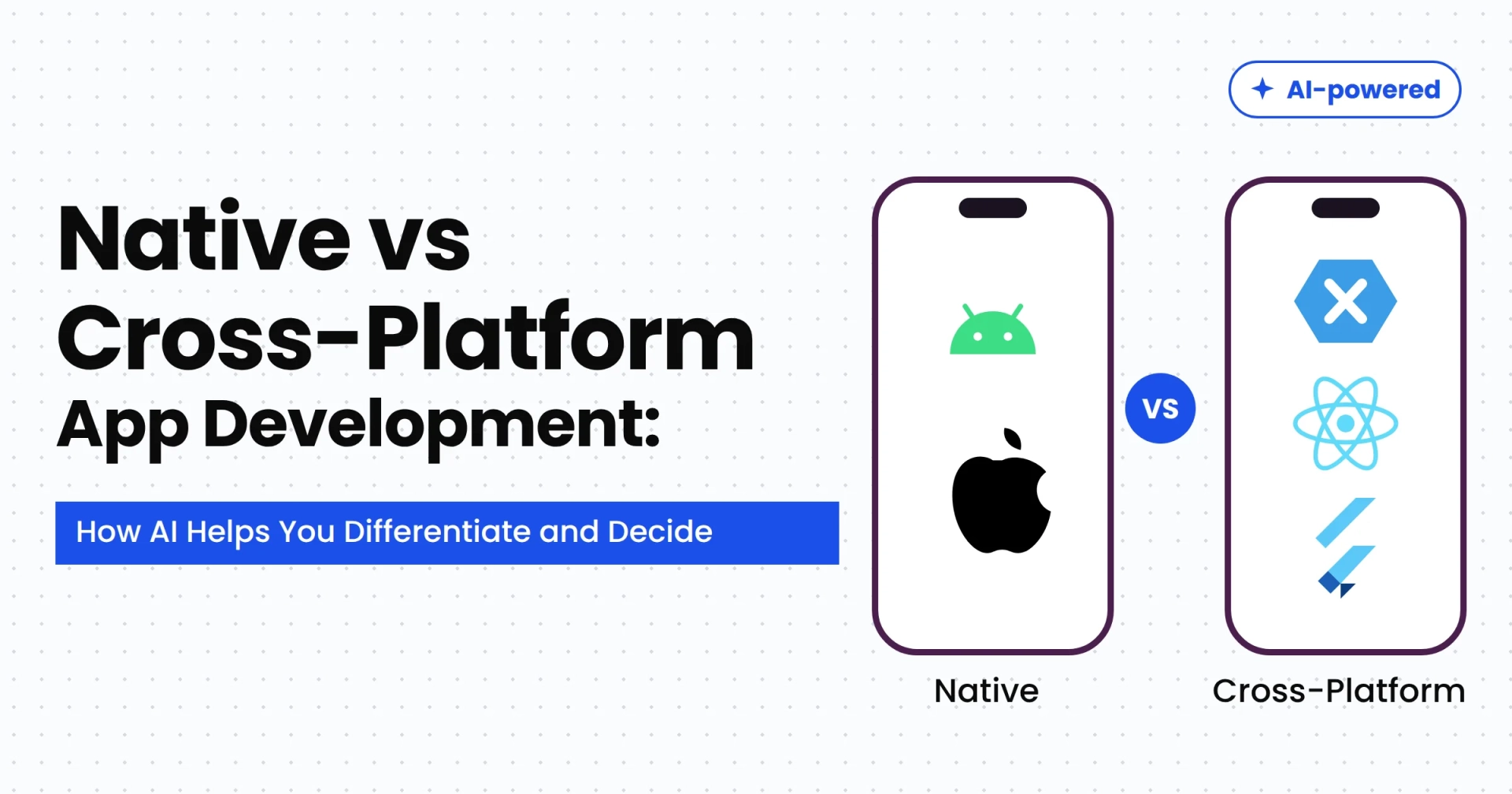
Native vs. Cross-Platform App Development: How to Choose the Right Approach with AI
Ask three developers whether a business should build native or cross-platform apps, and you might get three different answers, all delivered with confidence. In 2026, the choice is harder because AI coding assistants can do much of the repetitive work in either approach. This changes the trade-offs that matter most when designing a mobile app.
The common argument a few years ago was that native development cost more because you had to build everything twice. That’s still partially true, but AI-assisted development has closed the gap in some areas and widened it in others. A founder can have a rough cross-platform prototype ready in days. A team can also produce a lot of Swift and Kotlin quickly and still end up with two codebases to test, maintain, and update every time Apple or Google releases a new OS.
This guide will walk you through the decision the same way a working mobile app development company would approach it: starting with your product, users, and budget rather than a favourite framework. You’ll see where native still wins, where cross-platform is the better choice, how AI tools fit into each path, and how to use AI to pressure-test your decision before committing money to it.
Quick Recap
Native development means building separate iOS and Android apps, using Swift and Kotlin, respectively. Cross-platform development means using one codebase, generally with Flutter or React Native. AI coding tools speed up both approaches, reducing the gap in coding effort while leaving the bigger costs largely unchanged: two platforms to test, release, and maintain, along with platform features that frameworks may take time to support.
Choose cross-platform if you want to launch on both app stores quickly, your screens are mostly standard, and your team is small. Choose native when the product relies on the camera, sensors, on-device AI, or the latest OS features. Use AI to challenge your decision, and have a senior developer review it before committing.
Native vs Cross-Platform in 2026: What You’re Actually Choosing
The two labels sound simple, but in 2026, you are really choosing between three paths.
Native means building iOS and Android apps separately. Swift is used for iPhone apps, while Kotlin is used for Android apps. Each app communicates directly with its operating system, so new platform features are available as soon as Apple or Google releases them. The trade-off is having two codebases and typically needing specialists for both platforms.
Cross-platform means sharing code between iOS and Android. Flutter renders its interface using its own rendering system, helping maintain a consistent look across platforms. React Native uses native platform controls and is a good choice for teams familiar with JavaScript or React. Its New Architecture became the default in version 0.76 and the supported architecture in version 0.82. React Native 0.88, released in October 2026, brought further improvements, including support for the iOS SceneDelegate lifecycle and web-based event dispatching by default. Because of these changes, older comparisons that describe the traditional JavaScript bridge as React Native’s main limitation may no longer reflect its current architecture. However, actual performance still depends on the app’s implementation, libraries, and workload.
The third option is a hybrid approach. Kotlin Multiplatform allows you to share business logic, such as networking and data rules, while keeping the screens native on each platform. You can also share the interface using Compose Multiplatform, whose iOS support has been stable since 2025.
Choosing a framework involves a broader discussion about languages, backends, and cloud infrastructure. This is covered in the guide to choosing a mobile app tech stack. Here, we’ll focus on the question behind that decision: should you maintain one codebase or two?
How AI Helps You Tell Native vs. Cross-Platform Apart
AI has not chosen a winner. What it has done is blur the lines between the two approaches. This is why older comparison charts can sometimes be misleading.
Start with development speed. Coding assistants can now write screens, API calls, and tests in Swift, Kotlin, Dart, and TypeScript with comparable levels of success. The old argument that native development costs twice as much because you write everything twice is less convincing than it used to be, because the second implementation can be quicker to produce. But coding was never the whole story. Two apps still mean two rounds of device testing, two store reviews, and two places where the same bug can behave differently.
Then there are the AI features built into the app itself. Calling a cloud model from a chat assistant works similarly across frameworks. On-device AI is different because each operating system provides its own models and tools. Native code can access these capabilities directly, while cross-platform apps often require plugins or some native code. This overview of AI in mobile app development covers the broader range of use cases.
Here’s where the differences have changed:
| Area | What AI changes |
| Coding | Coding is becoming faster with both approaches, but testing and maintenance still take time. AI assistants can speed up implementation in either case. |
| Prototyping | You can test an idea before committing to a framework by building a rough version of a key screen using each approach. |
| Cloud AI capabilities | Chat, search, and recommendation features can use the same cloud APIs regardless of the development approach. |
| AI on the device | Native apps can access system models directly. Cross-platform apps generally need plugins or native code to use these capabilities. |
| Writing tests | AI can generate test cases faster, but you still need to verify the app on real devices for each platform. |
| Studies on selection | AI-generated summaries may repeat outdated advice. Check the publication dates and framework versions behind any claims. |
Where Native Still Rules
Native development justifies its higher cost when the app’s value depends on what the phone itself can do. Direct access to platform capabilities matters for camera pipelines, sensors, Bluetooth, augmented reality, and demanding animations. A good example is the Shot Play case study, where filters, effects, and in-app video editing are central to the user experience.
Another reason to consider native development is on-device AI. Apple’s Foundation Models framework offers a native Swift API that gives apps access to the on-device model powering Apple Intelligence. It supports summarisation, text generation, structured output, and other tasks without requiring a network connection for supported on-device operations. Availability depends on the device, and more complex tasks may require a server-based model or Private Cloud Compute.
Android offers similar capabilities. Google’s Gemini Nano runs through the AICore system service and can be used for summarising, rewriting, and proofreading through the ML Kit GenAI APIs. Google’s documentation also explains the limitations: token limits, device hardware, and model capabilities all matter. Requests may fall back to a cloud model when Nano is unavailable. On-device AI is useful for quick, private, lightweight tasks, but it is not a substitute for a cloud model when handling more demanding workloads.
Performance is another reason people choose native development, although it is easy to overstate the difference. A poorly built native app can still feel slow, while most business screens can work well in a properly built cross-platform app. The guide on how to improve mobile app performance with AI discusses what to fix before release and what to track afterwards. Real performance measurements after launch are more useful than relying on the framework label alone.
Where cross-platform works
Cross-platform development makes the most sense when getting to the app stores quickly matters more than achieving the last bit of platform-specific polish. One team can maintain one codebase, and a new feature or bug fix can reach iOS and Android together.
This approach works well in several scenarios: a first version built to test an idea, a shopping or booking app with mostly lists, forms, and checkout screens, or an internal tool used by staff. It can also suit companies with experienced web developers, as React Native lets existing teams apply their JavaScript and React skills to mobile development. If a brand wants the interface to look almost identical on both platforms, Flutter’s own rendering approach can help.
AI makes this route more appealing for early-stage work. Assistants are good at repetitive tasks in Flutter and React Native projects, such as setting up screens and connecting standard API calls. As a result, a rough working version can be ready before you have invested too much. This is useful for testing demand. Just treat generated code as a draft that someone must review, because code that runs in a demo is not automatically ready for real users.
The main caveat is that the savings can shrink as platform-specific work increases. Every feature that requires a platform-specific module adds effort that a shared codebase was intended to reduce. If you are still deciding what belongs in your first release, this comparison of an MVP vs full-scale mobile app is a useful companion.
Cost, Timeline and Maintenance: AI is Changing Things
Price. Published figures comparing native and cross-platform development vary considerably from one source to another, which is a good reason to be cautious about any single number. However, the general pattern is more consistent. Cross-platform development tends to save more on content-heavy first versions and less when an app requires extensive platform-specific work. AI reduces coding time in either approach, but design, testing, and store compliance still require effort. When requesting quotes, ask the company to separate shared work from platform-specific work. That breakdown helps show where the savings are real. For a broader perspective on budget drivers, refer to this guide on the mobile app development cost in USA.
Schedule. Cross-platform development usually gets apps onto both stores faster because a single team can build each feature once. Faster code generation can reduce development time regardless of the approach, but it does not eliminate device testing, bug fixes for particular phones, or the review process before release.
Maintenance. This is the part people often forget. Every year, Apple and Google release new operating system versions. Native apps require their separate codebases to be checked and updated. Cross-platform apps need similar checks, along with framework and plugin upgrades to keep everything compatible. AI can help write tests and suggest migration steps, but a person still needs to review its output.
Whatever approach you choose, testing on real devices across both platforms is where unexpected issues often appear. Use this mobile app testing checklist to review what needs to be checked before going to market.
Five Prompts To Try When Deciding With AI
An AI tool is a sparring partner, not a judge. It is quick at presenting options but may not understand your budget, team, or market. These five prompts can help you examine the decision more carefully while leaving the final call to you.

Match features to platform needs. “Here is my feature list: [paste it]. For each feature, tell me whether it needs iOS- or Android-specific APIs and what that would mean for Flutter, React Native, and fully native development. Flag anything you are unsure about.”
Argue against yourself. “I am leaning towards cross-platform because [your reasons]. Argue the opposite case using my budget, team, and roadmap. What might make me regret this choice in 18 months?”
Find the riskiest feature. “Which of these features is most likely to cause problems in a cross-platform app, and why?”
Prepare questions for vendors. “Give me 10 questions to ask a development company about native versus cross-platform estimates, including how they separate shared work from platform-specific work.”
Check the answer. “Which claims in your previous answer should I verify against official documentation? What documents should I check?”
The third step is especially useful because it helps you identify the riskiest feature before committing to a framework. Prototype that feature using each approach within a fixed amount of time. AI assistants make this process more practical today. If the feature works well in the cross-platform prototype, you have real evidence to support that choice. If it requires workarounds, you discover the potential cost before signing a contract.
Then verify the output. AI tools trained on older data can still provide advice based on React Native’s old bridge architecture, and they may confidently make incorrect claims about device support. Confirm framework versions and platform support in official documentation, and have an experienced developer review the final decision.
Four Scenarios: Which Path is Right for Your Business?
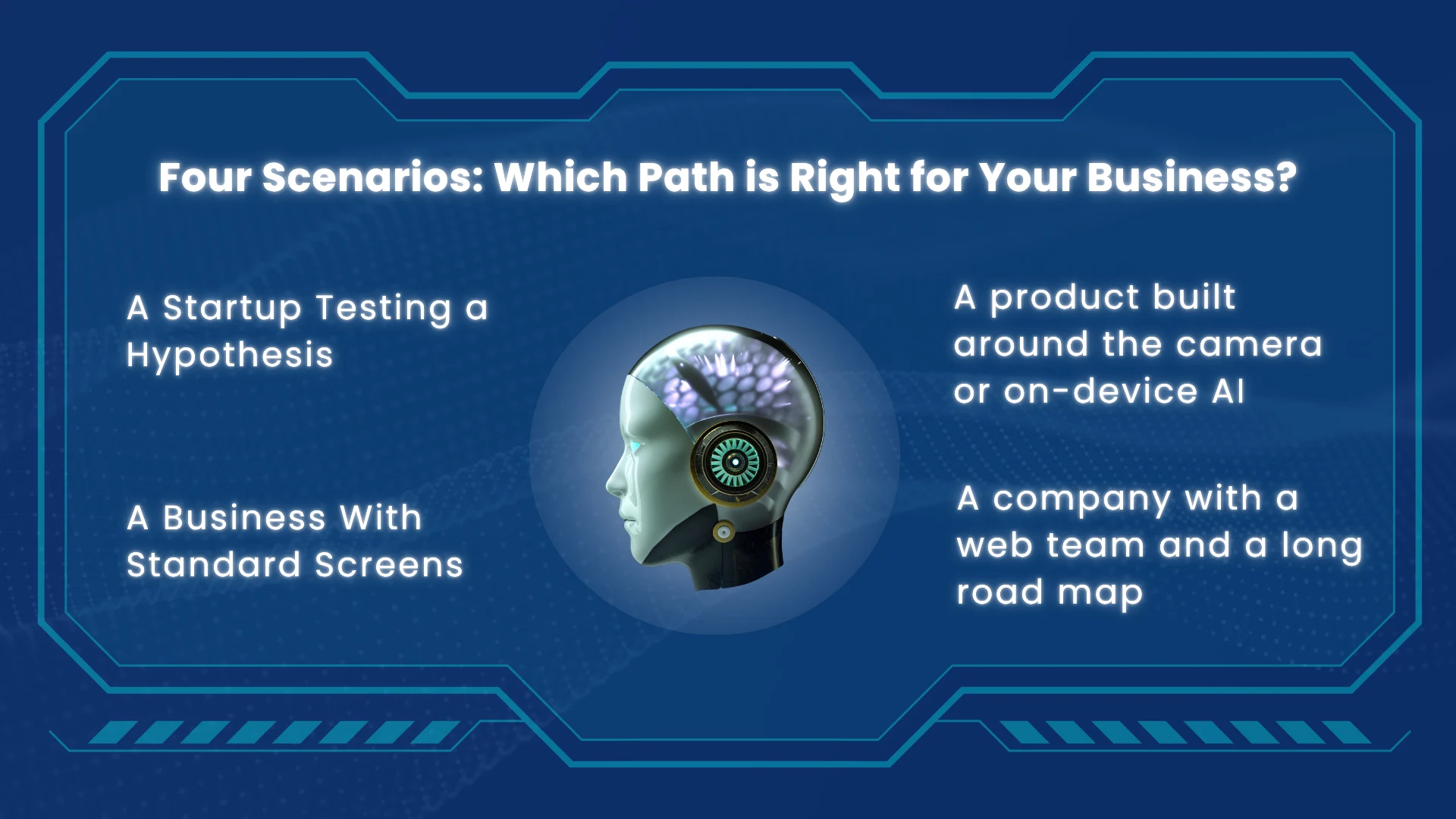
A Startup Testing a Hypothesis
Cross-platform development is often a sensible choice. You want to launch on both stores quickly, and the biggest risk is that nobody wants the product. Use AI to prototype faster, learn from real users, and consider moving specific parts to native development later if the data supports that decision.
A Business With Standard Screens
Cross-platform development tends to work well for retailers and service companies with catalogues, bookings, payments, and notifications. Both platforms can be maintained by one team, and relatively few features may require deep access to device capabilities.
A product built around the camera, sensors, or on-device AI
Consider cross-platform development with native modules for the features that need them, or lean towards fully native development. This is where unexpected technical challenges often appear, so build a prototype of the riskiest feature before making your decision.
A company with a web team and a long road map
React Native may suit the team’s existing skills best. If you need complex business rules to behave consistently across both platforms while keeping each app feeling native, Kotlin Multiplatform is also worth considering. Do not choose an approach only because it is easy to launch with. Choose one your team can maintain for years.
Common Mistakes When Picking
Choosing cross-platform just to have one codebase. The second platform still needs design refinement, testing, and store-related work. Account for these tasks when estimating the effort.
Assuming native is always better for performance. Native development can be useful for demanding device-specific features, but that does not mean every business app needs it. For apps built mainly around lists and forms, the budget may be better spent on features, design, and testing.
Trusting AI comparisons without checking them. Do not rely on claims without verifying the dates, framework versions, and sources behind them.
Deciding only on today’s feature list. If you expect to add on-device AI or hardware-dependent features within a year, start planning for them now.
Ignoring who will maintain the app. When something breaks and nobody on your team understands the technology stack, fixing it can become expensive. Consider your team’s skills and long-term maintenance needs before choosing a framework.
Practical Example: Booking App vs. Camera App
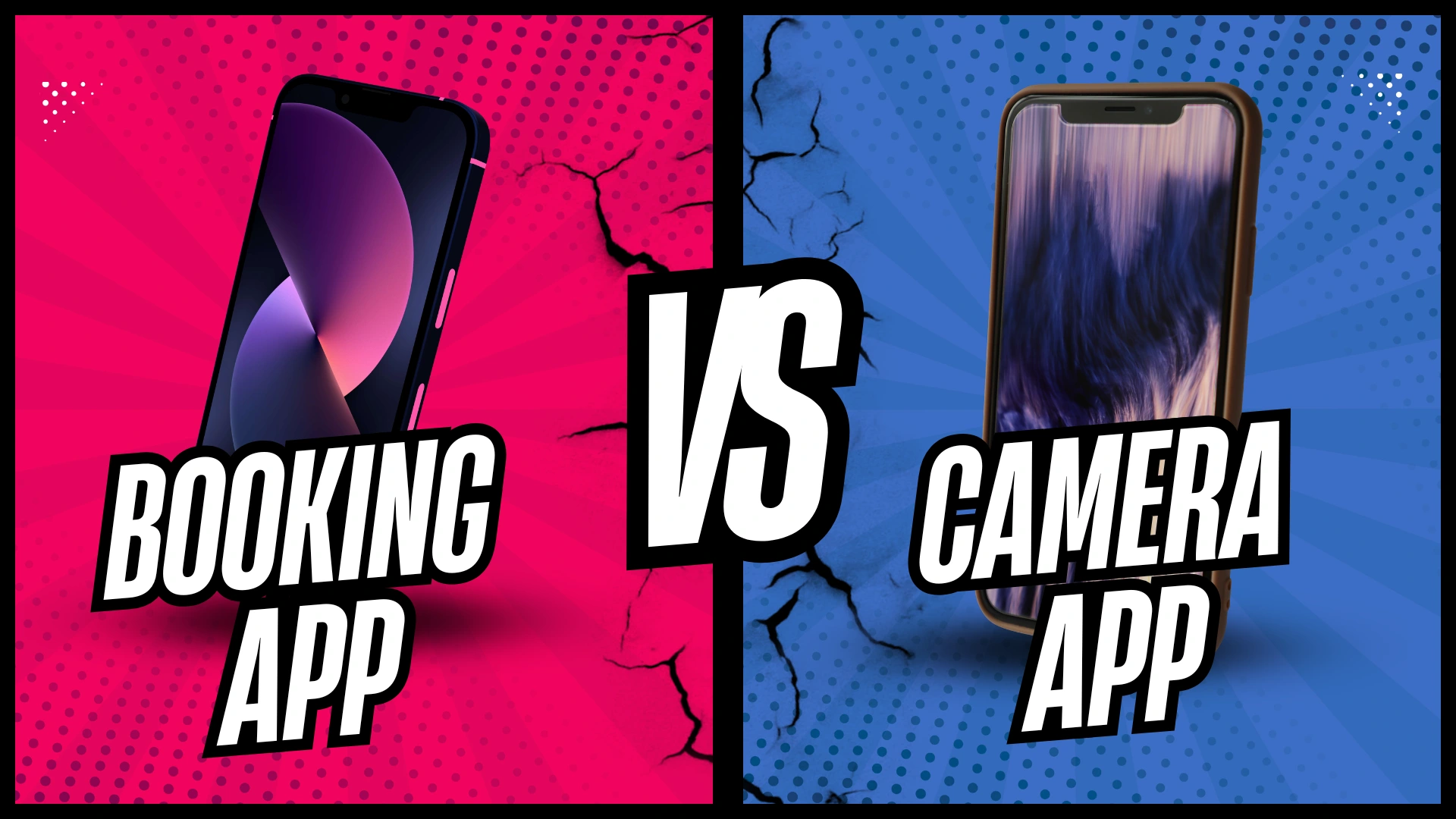
Let’s say two companies are developing mobile apps.
The first company operates a service business and needs an app for service listings, appointment scheduling, payments, notifications, and booking history. Most of these features rely on standard interface components and backend APIs. Cross-platform development can be a practical option because a shared codebase can reduce duplicated implementation work across iOS and Android.
Now imagine a company building an app with real-time camera effects, image processing, and on-device AI. The team needs to evaluate camera performance, hardware access, model compatibility, and battery consumption. Native development could provide more direct access to platform capabilities. Cross-platform development can still work, but some features may require native modules and additional testing.
The difference is not just the number of features. It is how closely those features depend on device hardware and operating system capabilities. Build a prototype of the most technically challenging feature and assess the implementation effort, performance, and maintenance requirements before selecting a framework.
Conclusions
There is no universal winner between native and cross-platform development. AI coding assistants can reduce the effort required to implement either approach, but the right choice still depends on your product requirements, device capabilities, testing needs, budget, and long-term maintenance plans.
Before choosing a framework, identify the features that carry the greatest technical risks. Prototype those features, compare the results, and verify AI-generated recommendations against official documentation. This gives your team a more grounded basis for estimating the work and selecting an approach that can support the product as it evolves.
Choosing the right development approach starts with understanding your product, not with choosing a framework. CodeStore can help you evaluate your feature requirements, technical constraints, budget, and long-term roadmap to determine whether native, cross-platform, or hybrid development is the best fit for your business needs.