
table of content


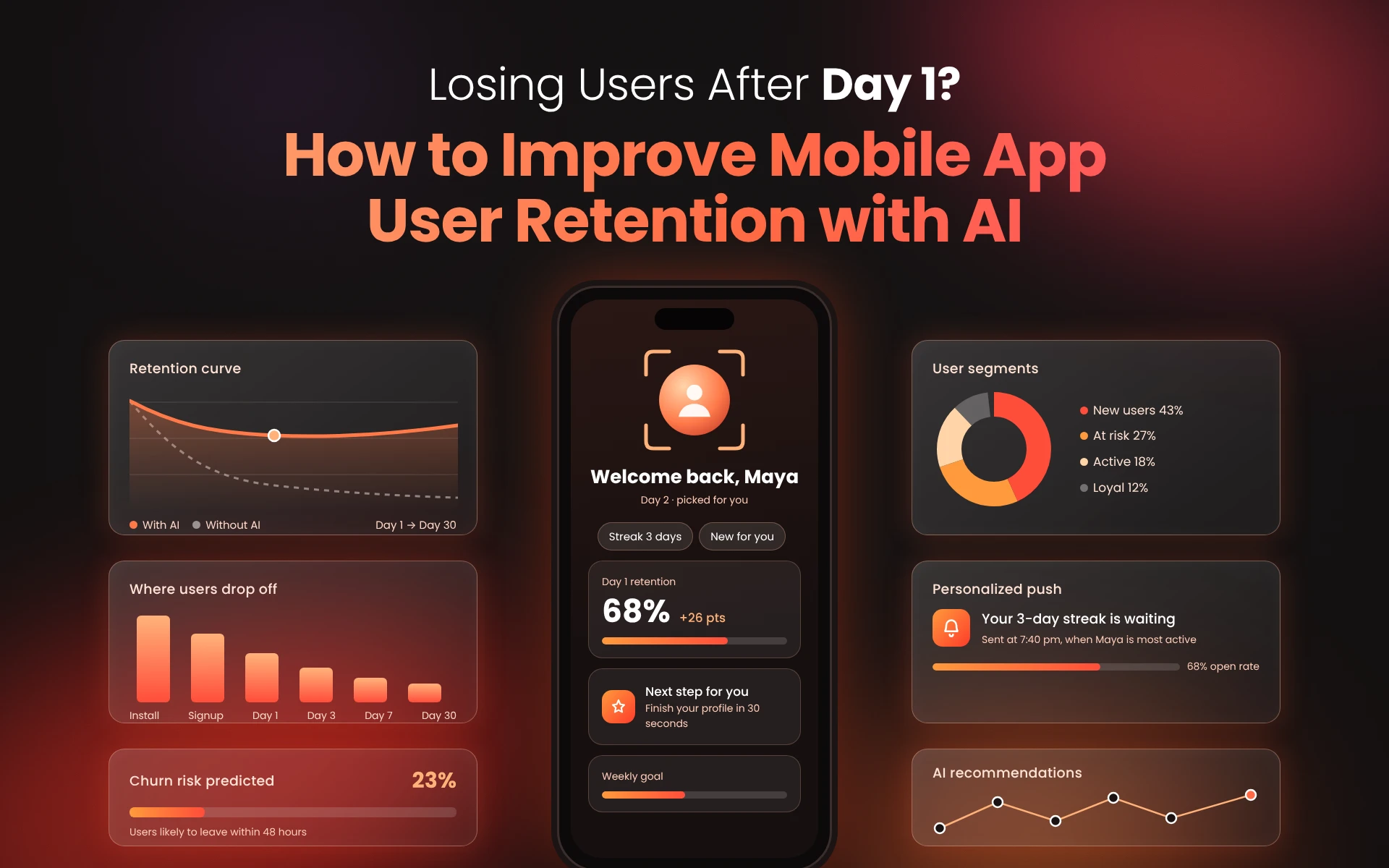
Losing Users After Day 1? How to Improve Mobile App User Retention with AI
A Practical Guide to Mobile App User Retention, Engagement, and Churn Prevention
Quick Summary
- Get users to one meaningful action as quickly as possible. Day 1 retention is heavily impacted by session 1.
- address drop off before you pick a fix. Read D1, D7, and D30 cohorts first.
- Crashes, slow loading screens and early permission prompts are reasons for early exits.
- Habits form between Day 2 and Day 30. Give users a reason to come back, not just a reminder.
- Use AI for onboarding personalization and message timings as well as prediction of churn, but only if you have sufficient data.
- If your data is thin, address the basics first and save the AI for later.
Many apps lose a significant share of their new users soon after download. Improving retention is generally cheaper than attracting new users, and it matters most once a product has shown it can engage people. If retention problems are not fixed before launch, it becomes much harder to gain traction.
That is why retention should be part of the plan from Day 1, and part of the scope of work for any mobile app development company you hire. This article covers why users leave after Day 1, how to improve the first session, and how to build habits over the first 30 days. It also explains where AI genuinely helps with retention, and what to do when you do not have enough data to use it.
What Mobile App User Retention Actually Measures
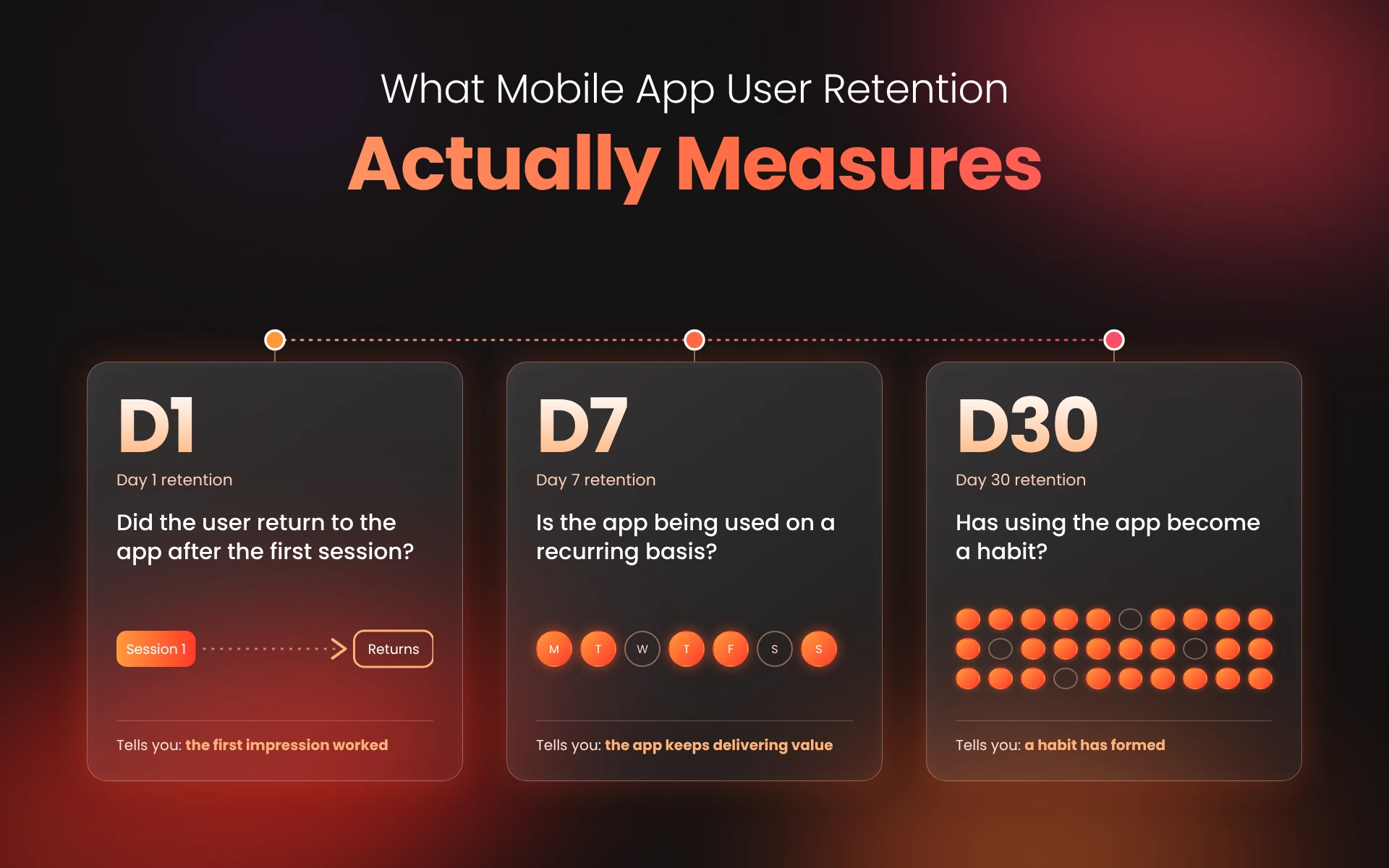
Mobile app user retention is the percentage of users who come back to your app after their first visit. It is usually tracked at three milestones:
- Day 1 (D1): did the user return to the app after the first session?
- Day 7 (D7): is the app being used on a recurring basis?
- Day 30 (D30): has using the app become a habit?
These are measured by cohort. Take everyone who first opened the app on a given day, then count how many were active on Day 1, Day 7 and Day 30. Define “active” once, as a session or a key action, and decide whether Day 1 means the next calendar day or 24 hours after first open. Keep the same definition and the same measurement windows whenever you compare cohorts.
Users who uninstall stay in the cohort; they simply count as not retained. A cohort view shows whether a change you shipped actually helped, which a single blended average hides.
One more point: opening the app is not the same as getting value. Pick one key action for your app, such as placing an order or finishing a lesson, and measure how many users reach it.
Reasons Users Leave After Day 1
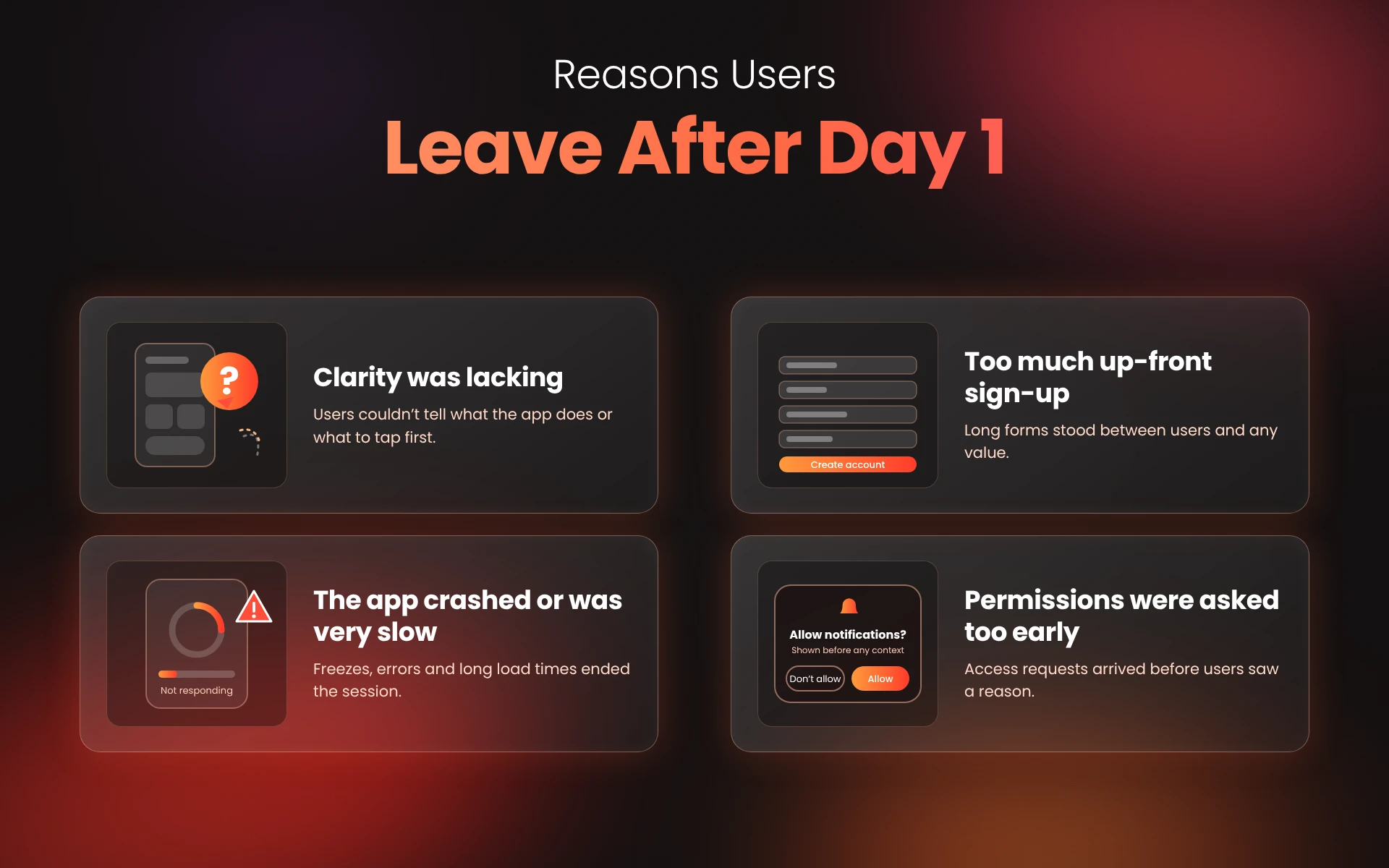
Most early uninstalls come from a small number of causes. Poor UI/UX in mobile app development is often behind them, though rarely the only reason.
Clarity was lacking
People make quick judgments. If the first couple of screens do not show something valuable, they leave.
There was too much up-front sign-up
Long forms, forced account creation and email verification before any value is shown all push users away.
The app crashed or was very slow
A crash during the first session is hard to recover from. Google’s Android vitals tracks user-perceived crash rate and ANR rate, and Google sets bad behavior thresholds for both. It is worth reviewing these before you release them on Google Play.
Beyond the crash rate, track four numbers from the first session: cold launch time, API response time on the first screens, crash-free sessions and failed network requests.
A slow cold launch makes the app feel broken, a crash ends the session, and failed requests, often caused by poor connections, missing retries or timeouts, show up as blank screens or lost input. Break each metric down by device, OS version and network type to find the real problems. Firebase Crashlytics and Firebase Performance Monitoring can help you measure these.
Asking for permissions too early
Asking for notifications or location on the first screen, before the user has seen any value, usually ends in a quick denial.
Here is a simple example. It is hypothetical and not based on a case study. Say 1,000 people install a shopping app. 620 complete sign-up, 410 reach a product page, and 230 come back on Day 2. The biggest drop-off is at sign-up, so that is where the first fix goes.
Fix the First Session
The main goal of the first session is to get the user to the first valuable action as quickly as possible.
Shorten the path to first value
If possible, let users take an action before they create an account. If not, tie account creation to the first valuable action. Apple’s Human Interface Guidelines on onboarding are a good reference for a first-run flow. One example: display instructions that refer to a specific area of the interface near that area.
Ask for the user’s goal and act on it
Asking “What do you want to do first?” can send users to different first screens. What you do with the answer depends on the app. A fitness app can set the first screen based on a goal such as losing or gaining weight, and a learning app can open on the course the user wants, such as JavaScript.
This is where AI can help without being forced into the product, but it adds value only once there is behavior to learn from. Take a hypothetical fitness app where users pick a goal, such as build strength, lose weight or stay active, and the goal sets a starter plan.
After two sessions, the app sees that this user finishes 15-minute workouts but gives up on 40-minute ones, and usually trains around 7 a.m. Two sessions are only an illustration, and not enough to train a reliable model on their own. A recommendation model learns from many users’ histories, and a model is only as good as the data behind it.
Once there is enough data, the app can suggest a shorter plan and time the first reminder around that hour. Day 2 then feels doable, because the plan reflects the user’s actual behavior instead of a default. Until then, the goal-based plan is a sound start. Keep personalization limited to data you actually have.
Time your permission prompts
Ask for notifications after the user has done something that makes them relevant, and explain why in one line. Prompts tied to a relevant action are far easier to accept.
Beyond Day 2
Once the first session works, the goal changes: users need a reason to return that goes beyond a notification.
Tie messages to what users did
Notifications should reflect what users did or left undone, such as an abandoned cart or a partly finished lesson. Generic messages get muted. Keep the number of messages low and let users control them.
Reward progress, not just activity
Streaks, milestones and “two steps left” cues work when they match what the app is for. In a fitness and diet tracking app like FitWithUs, the daily log is the habit, so progress cues around that action make more sense than occasional offers.
Keep the app healthy
Retention drops when an app feels neglected. An app that is not maintained becomes harder to use over time, especially as operating systems and devices change. Mobile app maintenance covers what that work involves.
Use AI to Spot Churn Early
Churn prediction means finding users who are likely to stop using the app before they actually do. It is one of the clearest ways AI in mobile app development supports retention.
It starts with event tracking. Log a small set of events with timestamps and an ID for each user: install, first open, sign-up completed, the key action, session start, errors and payment failures. Before sign-up, tag events with an anonymous ID generated on the device.
At registration or login, link it to the account ID using the identity-management method your analytics platform supports, such as an identify or alias call, so pre-sign-up activity joins the user’s later history.
This linking must respect applicable privacy requirements and the user’s consent. A new install gets a new anonymous ID, so it reconnects only at login. From these events you can build per-user patterns, such as days since the last session, sessions per week, and how long the user took to reach the key action.
A rule is a threshold you set by hand, such as no key action by Day 3. A machine learning model is trained on historical behavior: past users’ event patterns, labeled by what happened next, such as still active 30 days later.
It learns which combinations of signals tend to come before churn, then scores a current user’s recent activity as a churn probability. That matters because signals often overlap, and churn often follows a combination of them.
Rules are easy to explain and a sensible start. A model can catch combinations that rules miss, but it needs enough labeled history, a clear definition of churn, and regular checks as the app and its users change. Common signals and their responses are below.
| Signal | Possible response |
| Sessions fall week over week | Message about the feature they used most |
| Key action not done by Day 3 | Show a short guide on the next open |
| Repeated errors or failed payments | Fix the cause and offer support |
| Notifications ignored for weeks | Reduce frequency or change channel |
Google Cloud has a worked example of churn prediction using GA4 and BigQuery ML, written for mobile game developers.
A prediction is only useful if you act on it, and you should test whether it works. Give each high-risk group a specific response and keep a small control group that gets nothing. Compare D7 and D30 retention for both groups, using the same event definitions and windows.
Also check the model against a past period it has not seen: how many flagged users really churned, and how many were false alarms. If the treated group does not retain better than the control group, fix the model or the response.
Drop-offs are also a place where AI has been applied in real projects. One case study shows how an EdTech platform reduced drop-offs using AI.
When AI Is Not Worth It Yet
AI is not always warranted. A model needs enough data to learn from, so for apps with small user bases, simple rules often work best for churn.
Two more notes. When collecting behavioral data, get consent where it is required, collect only what you need, keep personal details out of events, restrict access to the data, and tell users what you collect and why. Also review personalization and messaging before it goes live, because messages that feel pushy or intrusive can lead users to uninstall.
Common Retention Mistakes
- Fixing notifications before onboarding. Users must see value before messages can help.
- Measuring logins instead of key actions. Activity is not progress.
- Sending the same message to everyone. Segment users, even if only in a basic way.
- Ignoring performance. Slow screens and crashes push users out quickly, so it pays to improve mobile app performance early.
- Adding AI without enough data. A model cannot learn properly without sufficient input.
- Treating retention as a launch task. Evaluate it with each release.
Conclusion
There is no single big fix for retention. It comes from a series of improvements: make the first session valuable, give users a reason to return, and use data, and AI where it is justified, to catch users who may be about to churn. Start by finding your largest retention gap and fix that first. Then test one change at a time.
CodeStore helps teams plan and develop mobile apps with retention, performance and user experience considered from the beginning, so they shape the first release instead of being added later.